FLUX 3 Image Explained: Edits That Leave the Rest of Your Photo Alone
FLUX 3 Image is the image-generation side of Black Forest Labs' FLUX 3 model family, released on October 1, 2026 — and its headline trick is multi-step editing that changes only what you ask for, leaving every other pixel in the photo untouched. If you've ever asked an AI to change the jacket in a portrait and got back a different face, different lighting and a different dog in the background, you understand why this matters. BFL — the lab founded by the researchers who built Stable Diffusion's core architecture — has been teasing the FLUX 3 family since July, and the image model is the piece photographers and casual editors have been waiting for.
What FLUX 3 Image actually is
FLUX 3 is BFL's first multimodal foundation model — one backbone that generates images, video with native audio, and even robot actions. The family was announced on July 23, 2026, and the video side went generally available in early August (we covered the landscape in our Wan 3.0 guide, which launched the same week). FLUX 3 Image, opened on October 1, is the still-image half of that system, and it arrives with a very specific engineering goal: controlled editing instead of lucky regeneration.
Three capabilities define the release, per BFL's launch material and early coverage:
- Multi-step instruction editing. You can chain edits — "change the jacket to leather", then "make it evening light", then "remove the car" — and each step builds on the last instead of re-imagining the whole image from scratch.
- Bit-identical pixel preservation. Regions you didn't ask to change come back numerically identical to the source — not "close", but the same pixels. That's the difference between an editing tool and a slot machine.
- JSON bounding-box layouts. You can hand the model explicit regions — this box is the subject, this box is the background — and it locks the geometry of what stays and what changes, which is how the preservation above is achieved.
The model is live on BFL's own playground and rolling out through API partners, with per-image pricing in the few-cents range depending on the host.
Why the "leave the rest alone" problem was the real bottleneck
AI photo editing has had a dirty secret since the beginning: most models don't edit your photo, they re-generate it with your request mixed in. Ask for a different shirt and the model quietly re-draws the hands, softens the skin, moves the shadows — because it has no concept of "everything else stays". For playful generation that's fine. For anything real — a product photo where the label must stay legible, a portrait where the face must stay yours, a brand image where the logo can't drift — it's been the dealbreaker that kept professionals doing final edits in Photoshop.
Pixel-preserving, region-locked editing is the fix, and FLUX 3 Image is the highest-profile model to ship it as a first-class feature rather than a mask-painting side mode. Expect every major image lab to answer within a quarter — the same way native audio became table stakes in video after Veo 3.
What you can do with this on Hermosso today
An honest note first: FLUX 3 Image is brand new and is not yet in Hermosso's studio picker as of writing — the Create studio currently runs FLUX 2 Pro among 20 image models across 21 engines (including GPT Image 2, Nano Banana 2 and Seedream 5), and FLUX 3 already powers one of the 18 video engines behind Photo to Video. But the jobs FLUX 3 Image demos are jobs Hermosso's editing tools do today, so here's how to act on the news without waiting:
- Change one thing, keep the rest. Change Outfit swaps clothing on your photo while preserving face, pose and background — the exact use case BFL is showing off. Remove Object erases a person, car or blemish and rebuilds only that region.
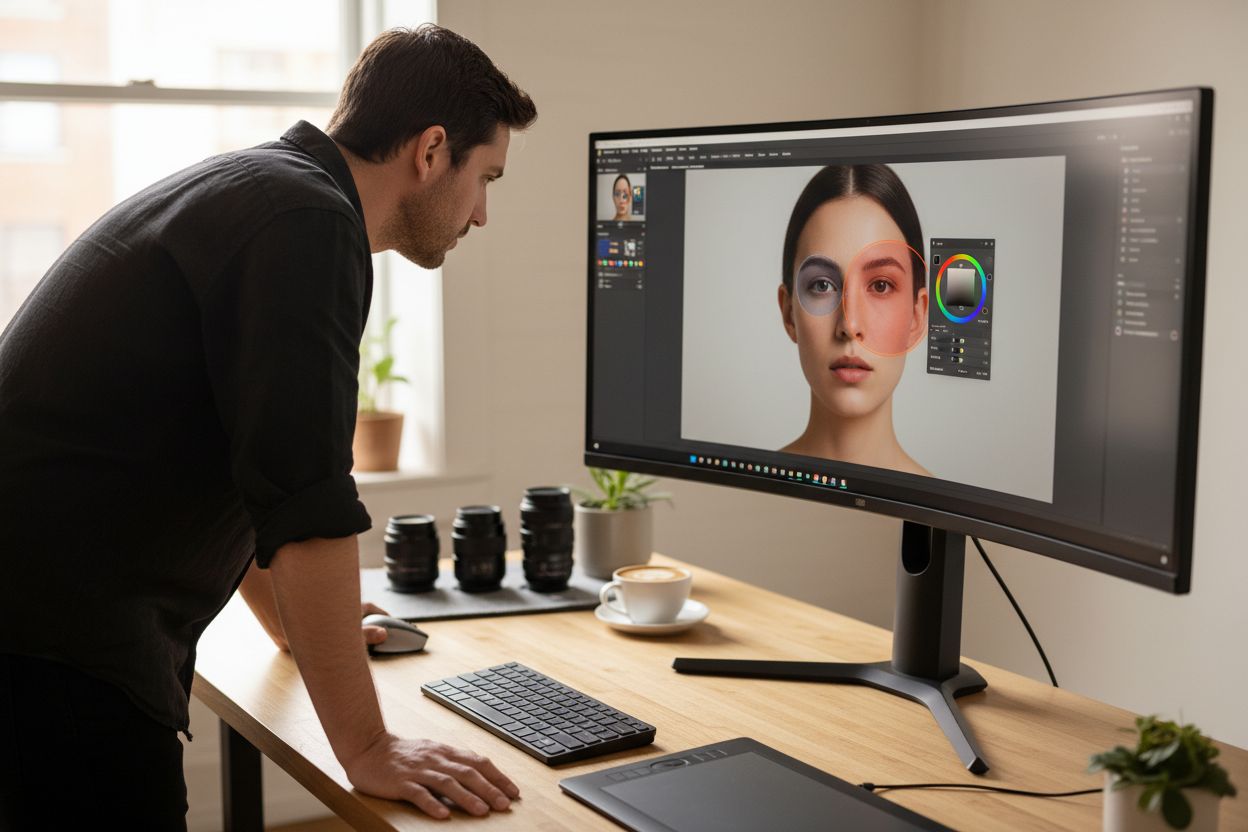
- Relight without re-shooting. Relight re-does the lighting of a portrait — evening warmth, studio softbox, golden hour — on the same pixels, which is the second most popular multi-step edit after clothing.
- Try the style before the model. If what excites you about FLUX 3 Image is the aesthetic, you don't need to wait for any specific engine: browse the photoshoot packs, pin the looks you like to a moodboard, and generate yourself in that style with the studio's current lineup.
- Finish the job. Whatever you edit, take the keeper to print resolution with the 22K Upscaler — five tiers from faithful 4K up to 22K — or animate it into a short clip with Photo to Video.
If you specifically want FLUX-class image generation inside the studio, FLUX 2 Pro is in the picker today — select it in Create and route the same prompt through it and a rival engine to compare, which is the whole point of a multi-model studio.
What to watch next
Two things follow from this release. First, the editing race: OpenAI added character-consistency reference editing to ChatGPT Images 2.5 the same week (covered in our GPT Image 2.5 guide), and Midjourney opened its first instruction-edit model in August — "edit, don't re-roll" is now the frontier everyone's competing on. Second, the open-weights question: BFL built its reputation on open FLUX variants, and whether a downloadable FLUX 3 Image checkpoint follows will decide how fast the capability spreads into local tools like ComfyUI. As of writing, access is hosted-only.
Try it on your own photos
Upload a few selfies, and Hermosso trains a private AI model of you — then generates studio-quality photos in any style. Your first credits are free.
Create your AI photos →Frequently asked questions
When was FLUX 3 Image released?
Black Forest Labs released FLUX 3 Image on October 1, 2026. It's the image side of the FLUX 3 multimodal family, which was announced on July 23, 2026 and shipped its video generation side in early August 2026.
What is multi-step editing in FLUX 3 Image?
It's the ability to chain several edits to the same photo — change the clothing, then the lighting, then remove an object — where each step modifies only what you asked for. Unchanged regions come back bit-identical to the source image rather than being re-generated, which is what separates true editing from lucky regeneration.
Is FLUX 3 Image free to use?
Access at launch is hosted: BFL's own playground and API partners, with per-image pricing in the few-cents range depending on the host. As of writing, no open-weights FLUX 3 Image checkpoint has been released — BFL's earlier FLUX open variants are what made the family popular with self-hosters, so whether one follows is the question to watch.
Is FLUX 3 Image available in Hermosso?
Not yet, as of writing — the model is days old. Hermosso's Create studio currently includes FLUX 2 Pro among its 20 image models across 21 engines, and FLUX 3 already powers one of the 18 video engines behind Photo to Video. New engines are added to the picker as they stabilise.
How is FLUX 3 Image different from FLUX 2?
FLUX 2 is a dedicated image model; FLUX 3 Image sits on a multimodal backbone shared with video and audio generation, and its headline addition is controlled editing — multi-step instruction edits with bit-identical preservation of untouched pixels and JSON bounding-box region control. For plain text-to-image generation the families are close; for editing real photos, FLUX 3 Image is the step change.
What can I use instead of FLUX 3 Image for editing my own photos?
Hermosso's editing tools cover the same jobs today: Change Outfit swaps clothing while preserving face and pose, Remove Object erases and rebuilds a selected region, and Relight re-does a portrait's lighting. For generation, FLUX 2 Pro is available in the Create studio, and results can be taken to print resolution with the 22K Upscaler.
Who makes FLUX 3?
Black Forest Labs (BFL), the company founded by Robin Rombach and fellow researchers who built Stable Diffusion's core architecture before leaving Stability AI. The FLUX line — FLUX.1, FLUX.2 and now the FLUX 3 multimodal family — is their flagship model series.