GPT Image 2.5 on Hermosso
OpenAI's latest image model, in two variants: Flare for speed, Sunburst for the best output — with the line's signature instruction-following and text.
What GPT Image 2.5 does best
Two variants, one model
Flare is the speed-first default, billed in the same class as GPT Image 2. Sunburst is the quality flagship — the tier behind the app's best output. Same prompt box, pick per job.
Text and layouts that read
The GPT Image line's signature carries over: exact headlines, labels and arranged layouts come back legible — the job only Ideogram otherwise contests in the studio.
Sharper reference edits
Both variants accept up to 16 reference images, and 2.5 holds on to them better — faces, products and fine textures survive the edit, and localized changes stay localized.
Worth knowing: the pace
Flare is the quicker of the two; Sunburst trades latency for fidelity. For drafts, run a fast tier first and bring the winning prompt back here.
Made for the work you ship
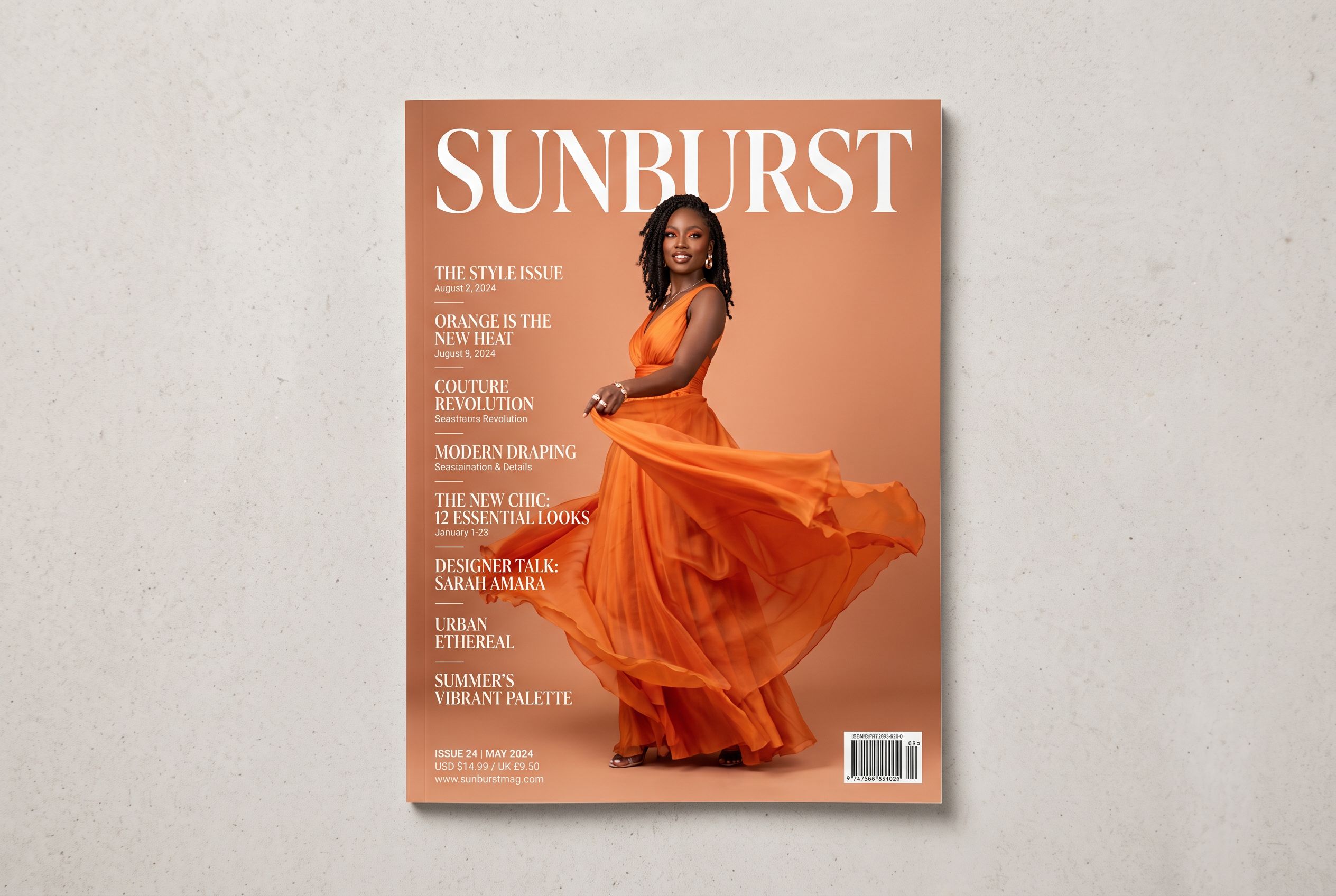
Posters and covers with real headlines
Exact wording arranged where you asked — instruction-following shows most on text-heavy work.
Precision edits on existing images
Attach a photo and describe the change — swap the jacket, keep everything else. 2.5's localized editing is the headline upgrade.
Complex, multi-part briefs
Multi-subject, multi-constraint prompts are where weaker models improvise; the GPT Image line stays on-script.
Specs at a glance
- OpenAI
- Flare + Sunburst variants
- Legible text & layouts
- Up to 16 reference images
- 100–150 credits / image
How to use it
- Open Hermosso's Create studio and write your prompt — be as specific as you like; this model rewards detail.
- Attach reference photos if the job starts from an existing image — up to 16.
- Pick GPT Image 2.5 Flare (100 credits) or Sunburst (150 credits) and generate. New accounts get 400 free credits.
Frequently asked questions
What is GPT Image 2.5?
GPT Image 2.5 is OpenAI's newest image generation and editing model, released September 2026 as the successor to GPT Image 2 — up to 50% faster, with sharper detail, more precise localized edits and better consistency across editing turns. On Hermosso it comes in two variants: Flare (100 credits) and Sunburst (150 credits).
What's the difference between GPT Image 2.5 Flare and Sunburst?
They're the two variants of the same release. Flare is the speed-first default, billed in the same class as GPT Image 2 (100 credits per image on Hermosso). Sunburst is the quality flagship — the tier behind the app's best output (150 credits per image).
How do I use GPT Image 2.5 on Hermosso?
Open the Create studio, write a prompt, optionally attach up to 16 reference photos, and pick GPT Image 2.5 Flare or Sunburst from the engine picker — 100 or 150 credits per image. New accounts get 400 free credits, and plans start at $9/month.
Is GPT Image 2.5 good at text in images?
Yes — it inherits the GPT Image line's signature strength: exact headlines, labels and arranged layouts that actually read. For text-heavy work it's one of the two families we recommend (Ideogram is the other).
GPT Image 2.5 vs Nano Banana 2 — which should I pick?
GPT Image 2.5 for complex prompts, text and exact layouts; Nano Banana 2 for maximum resolution (up to 4K) and likeness-keeping photo edits of real people. Both run in the same Create studio on one credit balance — test the same prompt on both.
Try GPT Image 2.5 on Hermosso
One credit balance across every model in the studio. New accounts get 400 free credits — and credits never expire.
Try GPT Image 2.5