How to Recreate Any Video With AI — Recast the Person or Restyle the Scene
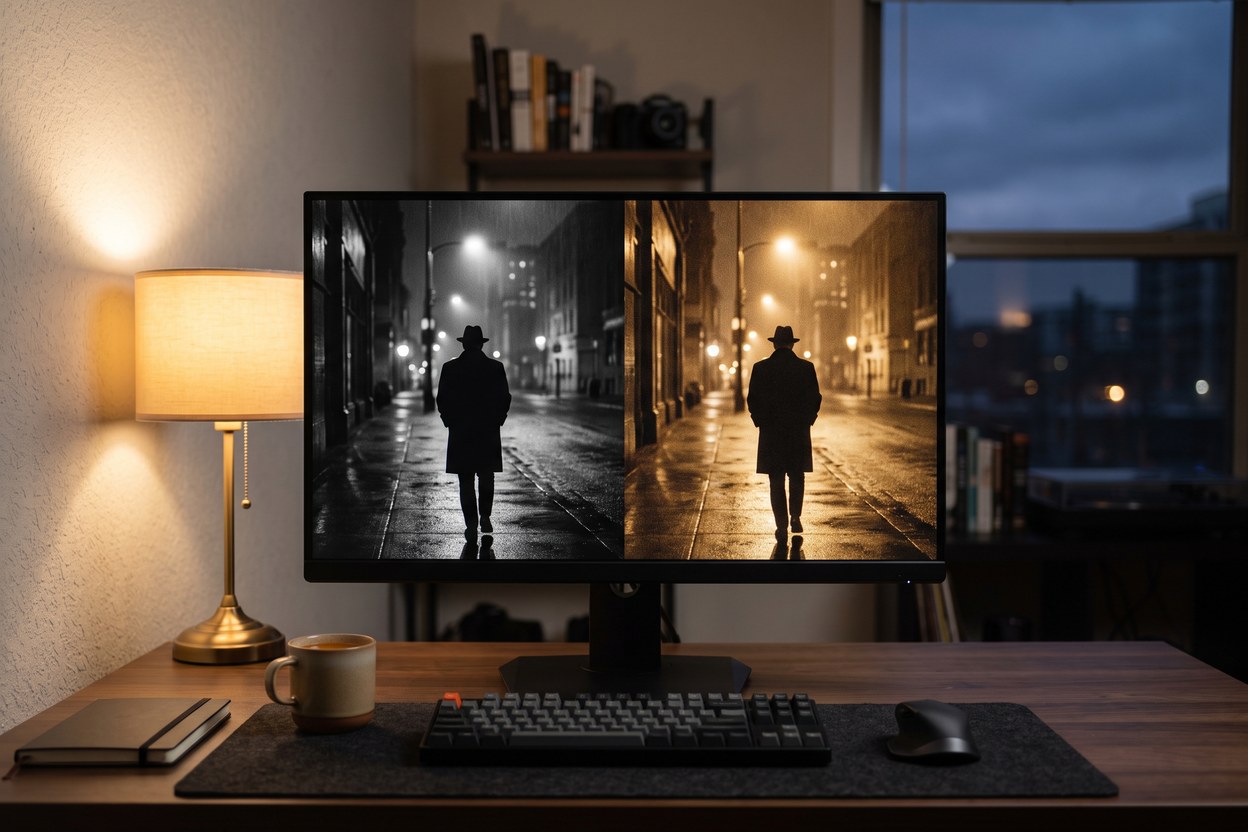
Recreating a video with AI means one of two things: recasting — keeping the motion and scene but replacing the performer with someone from a photo — or restyling — keeping the performer and the footage, but changing what it looks like: the style, the outfit, the setting, the season. The first answers "I want this video, but with me (or my character) in it." The second answers "I want this exact video, but different." Both run on short clips of up to about 30 seconds, both need nothing more than an upload, and they are frequently confused — so this guide separates them properly.
Path one: recast the person
Recasting is motion transfer: you supply photo(s) of a person and a reference clip, and the model regenerates the clip with your person performing it. The original performer's motion, the camera movement and the timing carry over; the identity, body and scene details are rebuilt around your reference. It is the technique behind the current wave of "anyone can star in anything" clips on social media — we cover the step-by-step in how to make an AI video with your face in it. The model doing the heavy lifting is Genjutsu, built by Higgsfield — the same engine driving the viral recast trend, available on Hermosso through Motion Transfer with a noticeably simpler workflow than Higgsfield's own interface.
What makes recasting work well:
- A clean reference clip. One performer, mostly facing forward, minimal occlusion. The model copies the motion faithfully — including the messy parts you didn't notice.
- Strong identity references. A sharp, front-facing photo at minimum; multiple angles (up to eight on Hermosso's high-quality path) hold the likeness through turns and fast motion.
- The right length. Output duration equals input duration. Five to ten seconds is the sweet spot: long enough for a complete move, short enough for the identity to stay locked.
Path two: restyle the video
Restyling keeps the original video — the same person, the same performance, the same camera — and re-renders it according to a text instruction. "Make it 1970s film", "turn the scene to night", "hand-drawn anime", "make it winter". Genjutsu itself has a second mode — object-swap — that changes a specific object or outfit in a clip while keeping everything else identical: same person, same motion, different jacket. Both modes live inside Motion Transfer: "Change the character" recasts the person, "Change the video" restyles the scene.
Restyle is the right tool when the performance is already perfect and only the world around it needs to change: a product clip that needs a different season, a talking-head video that needs a cinematic grade, a meme that needs to be redrawn as anime. Because the source footage anchors everything, identity consistency is a solved problem here — the person stays the person.
Which method copies a video the way you want?
| Method | What carries over from the original | What changes | Use it when |
|---|---|---|---|
| Recast (motion transfer) | Motion, timing, camera movement | Who performs — identity and body rebuilt from your photo(s) | You want to star in a trend, scene or meme format |
| Restyle (video-to-video) | The performer and the performance | Look: style, grade, outfit, setting, season, medium | The clip is right but the aesthetic is wrong |
| Classic face swap | Everything except the face region | Just the pasted face | Largely superseded — motion transfer looks better in every case that matters |
| Text-to-video from scratch | Nothing — you describe a new video | Everything | No reference clip exists; you want an original, not a copy |
Both Genjutsu modes, one easier interface
On Higgsfield's own platform, Genjutsu's two capabilities — motion-transfer for recasting and object-swap for targeted changes — come with the full control surface of a pro tool. Hermosso runs the same Genjutsu model behind a single screen and one mode switch: "Change the character" to recast yourself into the clip, "Change the video" to keep the person and swap what they're wearing or holding. Same engine, fewer decisions, and a faster route from upload to a clip worth posting. And when an idea outgrows a reference clip — animating a still photo, generating a scene from a prompt — the rest of the video creation suite is in the same account.
What it costs
Both paths are billed per second of the clip you upload, because the output is exactly as long as the input. On Hermosso, recasting and restyling both cost 200 credits per second at standard (480p) or 450 per second at pro (720p). A 5-second experiment therefore runs 1,000–2,250 credits, and new accounts start with 400 free credits — enough to feel out which path your idea needs. Plans start at $9/month for 5,000 credits on the pricing page. The cost-efficient pattern is to draft short and cheap: trim your reference to its best five seconds, iterate at standard, and only render the full clip at pro once the result is right.
Limits worth knowing before you start
- Clip length: 4–30 seconds for both recasting and restyling. Longer videos need to be cut into segments.
- Output resolution: standard tiers are 480p — built for social feeds. Use the pro tier (720p) for anything that will be watched larger than a phone.
- Occlusion and chaos: people crossing in front of the performer, hands over faces, and whip-fast camera moves are the hard cases for recasting. Restyle is far more forgiving, since it never has to invent a new person.
- Iteration is normal: expect two or three runs for a recast you care about. The professionals budget for it; the amateurs blame the first render.
Copy the video, not the person
Recreating the format of a video — the dance, the transition, the camera move — is how social media has always worked; trends are formats everyone copies. Recasting puts a new obligation on top of that: the person in your version must be you, a fictional character, or someone who said yes. Recasting a real, identifiable person into a clip without their consent is the deepfake use case — illegal in a growing number of places, removed by every platform, and the one thing this technology must not be used for. Restyle sidesteps the issue almost by definition: the person in the footage is already the person who consented to be filmed. Keep the copying pointed at formats and styles, and the entire space stays as fun as it looks.
Star in your first video today
One photo of you, one clip you love — Motion Transfer does the rest. New accounts get free credits, and a 5-second video costs less than a coffee.
Put yourself in a video →Frequently asked questions
What is Genjutsu and does Hermosso use it?
Genjutsu is Higgsfield's video model with two modes: motion-transfer, which recasts a clip with a person from your photos, and object-swap, which changes a specific thing in the footage. Hermosso's Motion Transfer runs the same Genjutsu model with both modes behind a single, simpler interface — one mode switch instead of a pro tool's control surface.
Can AI recreate any video?
AI can recreate the two things that define a video separately: the performance (via motion transfer, which copies the motion and timing onto a person from your photo) and the look (via video restyle, which re-renders the same footage in a new style, setting or season). Clips up to about 30 seconds are supported by current tools.
What is the difference between recasting and restyling a video?
Recasting keeps the motion and camera work but replaces the performer with someone from a reference photo — the person changes, the performance carries over. Restyling keeps the original performer and performance but changes the aesthetics: style, outfit, setting, time of day or season.
How do I replace the person in a video with someone from a picture?
Use a motion-transfer (recast) tool: upload one or more photos of the person and the reference clip, and the AI regenerates the clip with that person performing the motion. Sharp, front-facing reference photos and clips with a single, clearly visible performer give the best results.
How much does it cost to recreate a video with AI?
On Hermosso, recasting and restyling both cost 200 credits per second at standard quality (480p) or 450 per second at pro (720p). A 5-second clip therefore costs 1,000–2,250 credits, and new accounts get 400 free credits to experiment with.
Is it better to recast a video or generate a new one from text?
Recast when a specific existing video is the point — a trend, a scene, a format you want to star in — because the motion and timing are copied exactly. Generate from text when no reference exists and you want an original clip; text-to-video gives you freedom but cannot promise a specific choreography or camera move.
Is it legal to copy someone's video with AI?
Copying a format — a dance, a transition, a style — is how trends work and is generally fine. Putting a real, identifiable person into a video without their consent is not: it is illegal in a growing number of jurisdictions and banned by every major platform. Also note that re-uploading someone's footage itself can raise copyright issues separate from the AI question.
What clip length works best for AI video recreation?
Five to ten seconds is the sweet spot for recasting: long enough for a complete move, short enough for the generated identity to stay locked. Restyling tolerates the full 4–30 second range well because the original footage anchors the person's appearance.