GPT Image 2.5 Explained: Flare vs Sunburst, Sketch Input, and What Changed (2026)
The most-used image model in the world just got replaced. On September 8, 2026, OpenAI shipped ChatGPT Images 2.5 — the successor to the Images 2.0 engine from April — and made it the default inside ChatGPT on every tier, free included. Alongside the app update, the API split into two models: GPT-Image-2.5 Flare and GPT-Image-2.5 Sunburst. Here's what actually changed, what the split means, and how to put this generation of image editing to work on your own photos today.
What Images 2.5 does better
- Up to 50% faster. OpenAI claims up to half the generation latency of Images 2.0 — the difference between an image tool you wait on and one you iterate with.
- Sharper detail and stronger reference fidelity. Upload a photo and the output holds on to it better — faces, products and fine textures survive the edit instead of melting into an approximation.
- Precise localized edits. Point at the part of the image you want changed — swap the jacket, keep everything else — with noticeably better obedience than before.
- Consistency across turns. Multi-turn editing ("now make it evening," "now move the logo left") drifts less, so an editing conversation holds together for more rounds.
Sketch: the new input nobody else has
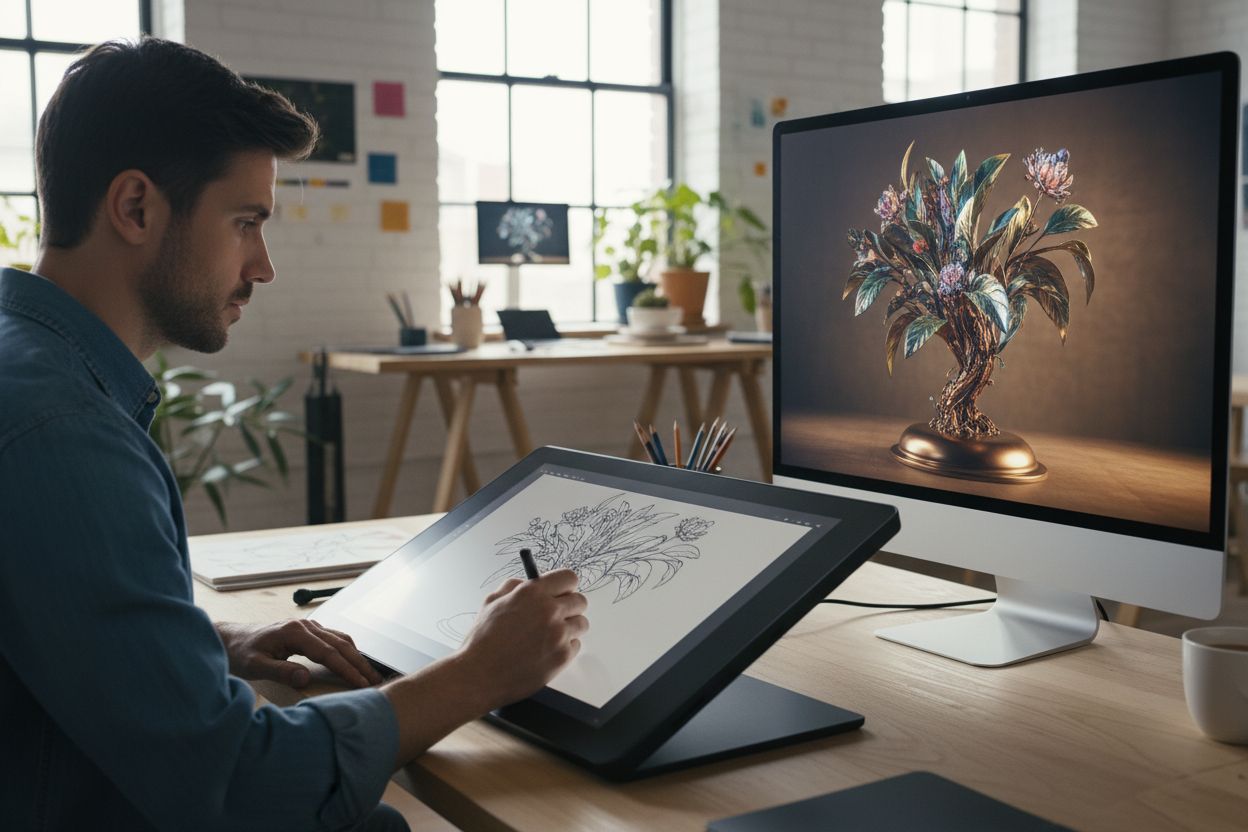
The headline feature is Sketch — draw a rough doodle, and Images 2.5 renders it into a finished image. It turns composition into something you can draw instead of describe: where the subject stands, how big the moon is, what the layout looks like. For anyone who knows what they want but can't write it as a prompt, this is the most interesting input method since reference photos.
Flare vs Sunburst: why there are two API models
Developers now pick between siblings rather than "the image model." Flare is the speed-first default: it bills at exactly the same token rates as the old GPT Image 2, with OpenAI describing its quality as "comparable" — you choose it for volume and latency. Sunburst is the precision flagship: the base model behind the app's best quality, and the one OpenAI's safety evaluations were measured on. Neither has independent benchmark scores yet, so treat the speed and quality claims as vendor-stated until third-party tests land.
Provenance is built in
Every Images 2.5 output carries an invisible SynthID watermark plus C2PA metadata marking it as AI-generated. Worth knowing if you publish the results: platforms that read those signals will label the image as AI.
How to act on this on Hermosso today
No waitlist, no API key: GPT Image 2.5 is already live inside Hermosso's Create studio, in both of its API variants — Flare, the speed-first default at 100 credits per image, and Sunburst, the quality flagship at 150. Both take reference images for edits (up to 16), which is where 2.5's localized-editing upgrade shows most. They join 20 image models on a single credit balance, next to Nano Banana 2, Seedream 5 Pro and FLUX 2 — details on the GPT Image 2.5 model page, and how the GPT Image line stacks up against Nano Banana 2 for the jobs where likeness matters. Around the generation itself:
- Precise edits on your own photos. Change an outfit, remove an object, or restyle a scene — the exact jobs 2.5's localized editing targets.
- Photos that are actually you. The one thing ChatGPT's editor can't do: a model trained on your face. Upload 10–20 selfies, train your private model, and generate across 70 curated packs — likeness locked in, no per-photo prompting.
- Finish at full resolution. Whatever you generate or edit, run the keeper through the 22K Upscaler before it goes to print or a big screen.
New accounts get 400 free credits — enough to test the studio against whatever you're using now.
The quick verdict
Images 2.5 is a real upgrade where it counts: speed, edit precision and a genuinely new input in Sketch. It doesn't change the fundamentals of the 2026 image market — for likeness-critical work, dedicated photo editors like Nano Banana 2 still set the bar, and a trained personal model still beats every one-shot editor. But "good enough, 50% faster, already inside the app everyone has" is exactly how defaults get decided.
Try it on your own photos
Upload a few selfies, and Hermosso trains a private AI model of you — then generates studio-quality photos in any style. Your first credits are free.
Create your AI photos →Frequently asked questions
What is GPT Image 2.5 (ChatGPT Images 2.5)?
OpenAI's newest image generation and editing model, released September 8, 2026 as the successor to Images 2.0. It's the default image engine inside ChatGPT on all tiers, with up to 50% faster generation, sharper detail, more precise localized edits and better consistency across editing turns.
What's the difference between GPT-Image-2.5 Flare and Sunburst?
They're the two API siblings of the same release. Flare is the speed-first default, billed at the same token rates as the old GPT Image 2 with comparable quality. Sunburst is the precision flagship — the base model behind the app's best output. Neither has independent benchmark scores yet.
Is ChatGPT Images 2.5 free?
Yes — it rolled out as the default image engine inside ChatGPT across every tier, including free accounts, subject to each tier's usage limits. API access is billed per token through the Flare and Sunburst models.
What is the Sketch feature?
Sketch lets you draw a rough doodle and have Images 2.5 render it into a finished image — composition comes from your drawing instead of a written prompt. It's the release's most distinctive new input method.
Does GPT Image 2.5 watermark its images?
Yes. Every output carries an invisible SynthID watermark plus C2PA metadata marking it as AI-generated, so platforms that read those signals can label it.
Can I use GPT Image 2.5 on Hermosso?
Yes — both API variants are live in the Create studio: GPT Image 2.5 Flare (100 credits per image, speed-first) and Sunburst (150 credits, the quality flagship), among 20 image models on one credit balance. Both accept up to 16 reference images for edits. For edits on real faces, pair them with the likeness-first engines or a trained personal model, and finish with the 22K Upscaler.