The Best Remini Alternatives in 2026 (Enhance, Restore, Upscale)
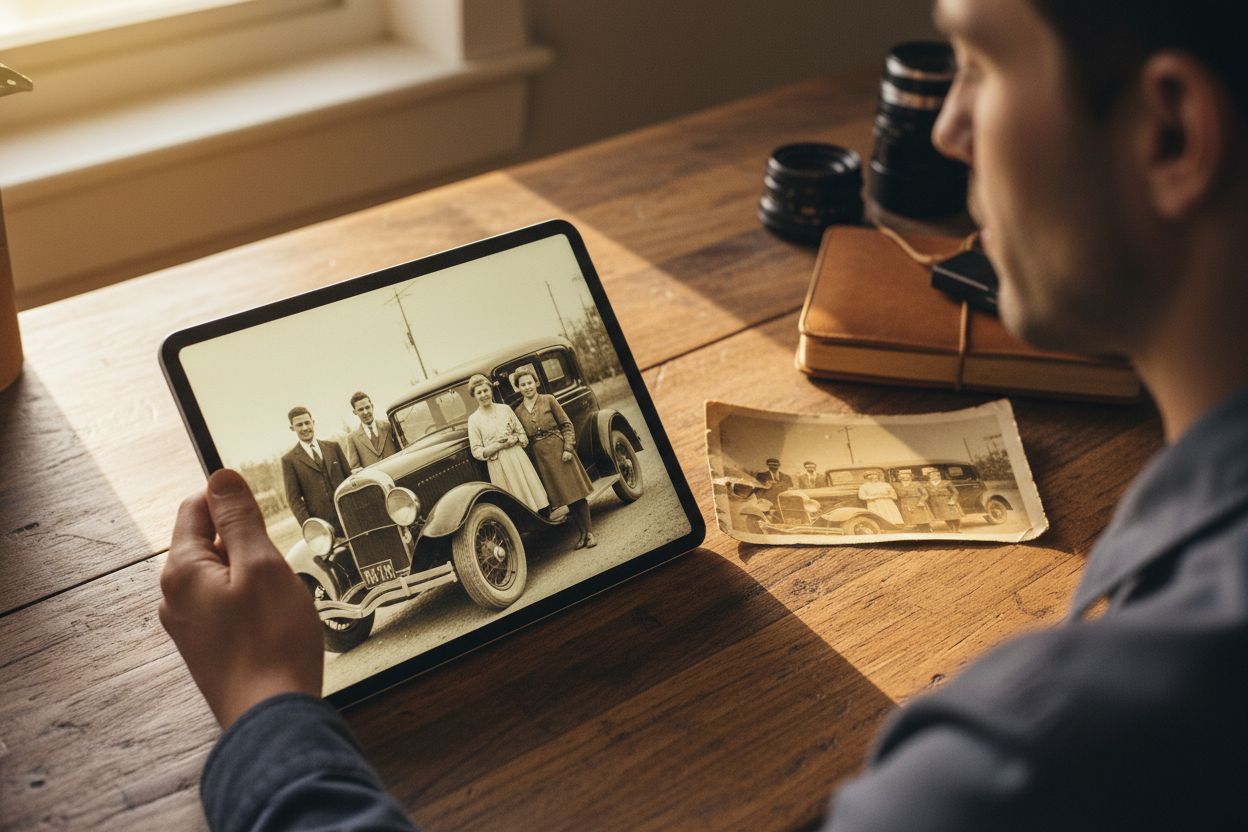
Remini earned its reputation honestly: point it at a blurry, pixelated or decades-old photo and it cleans it up in seconds. The complaints are just as consistent — it's mobile-first, the free tier is a handful of enhances, and it sells weekly subscriptions that are easy to forget (as of writing, roughly $9.99 a week after a 7-day trial — check their app listing, because terms change). Over a year that adds up to serious money for what is essentially one job. If your real problem is bigger — a whole album to restore, an image to upscale for print, black-and-white photos to colorize — here's where else to look, with honest trade-offs.
What to look for in a Remini alternative
- Output ceiling. Screen-sharp is easy; print-grade and large-format output is where tools separate.
- Faithful vs creative. Faithful enhancement preserves what's there; creative upscalers re-imagine detail — stunning on textures, risky on faces.
- Restoration and colorization. Scratches, fading and black-and-white need dedicated tools, not just sharpening.
- Pricing model. Weekly subscriptions vs credits you keep; desktop licences vs browser tools.
1. Hermosso — best all-in-one alternative
Hermosso's AI Image Upscaler covers both camps in one tool, with five tiers topping out at 22K — the highest upscale ceiling on the market. 4K (50 credits) is the faithful default with face enhancement — the direct answer to Remini's core job. 4K Ultra (100 credits) is restoration-grade, built for heavily compressed or damaged images. Creative (50 credits) re-imagines detail for that hyper-detailed look without another subscription. Above those, 8K Gigapixel (150 credits) runs Topaz Gigapixel for print-grade output, and 22K Max (400 credits) uses SeedVR2 — the largest output available anywhere — for billboards, archival masters and heavy cropping.
Around the upscaler sit the restoration tools Remini only partly covers: Restore rebuilds scratched, faded and damaged old photos, and Colorize brings black-and-white photos into natural colour. Everything runs in the browser on one credit balance that never expires — new accounts get 400 free credits, and plans start at $9/month for 5,000 credits. We go deeper in our best AI image upscalers test, the step-by-step how to unblur an image guide, and the enhance a photo to 4K walkthrough.
2. Topaz Gigapixel — the dedicated desktop staple
Topaz Gigapixel is the long-standing reference for faithful upscaling: a desktop app (Mac and Windows) that enlarges images up to 6× with excellent edge and texture preservation, batch processing, and models tuned for faces and text. It runs locally — a real plus for client files — and sells as a perpetual licence; check their site for current pricing. The trade-offs: it's a serious purchase, it lives on your desktop, and it's firmly in the faithful camp. Note that Gigapixel is also one of the engines inside Hermosso's upscaler, so you can use it per-image without buying the app.
3. Magnific — the creative upscaling pioneer
Magnific invented the creative-upscale category: it re-imagines your image at higher resolution, inventing detail that looks astonishing on textures, products and fantasy art. On real faces, keep the creativity slider humble — at high settings it can hallucinate a different person. It's a premium subscription aimed at heavy use; we compare it directly in Hermosso vs Magnific.
4. Krea's enhancer — strong, inside a pro canvas
Krea's enhance and upscale tools are genuinely good and sit inside one of the most powerful creative canvases around. If you already pay for Krea, use them. If you don't, adopting a professional canvas to fix a blurry photo is more cockpit than most people need — the same class of result is reachable through guided tools.
5. Upscayl — the free, open-source option
Upscayl is a free, open-source desktop app (Windows, Mac, Linux) that upscales locally with no account, no watermarks and no limits. Results are a step behind the paid leaders on faces and heavy damage, and there's no restoration or colorization — but at zero cost it's the right first stop for straightforward enlargements.
6. MyHeritage — the family-history angle
If your project is specifically old family photos, MyHeritage bundles enhancement and colorization into its genealogy platform, and its tools are tuned for exactly that material. The catch: they're side features of a genealogy subscription you may not want — for a one-album job, a credit-based tool is usually cheaper.
How to choose
- One tool for enhance, restore, colorize and print-grade upscaling? Hermosso — and the free credits make it the zero-risk test. More detail in Hermosso vs Remini.
- High-volume faithful batch work on a desktop? Topaz Gigapixel, the professional staple.
- That re-imagined, hyper-detailed look? Magnific invented it — or Hermosso's Creative tier without the second subscription.
- Zero budget? Upscayl.
- A genealogy project? MyHeritage.
Whichever you pick, run the same test photo through two options before paying anything — enhancement quality is wildly dependent on your specific image, and the only comparison that matters is the output on your photo.
Try it on your own photos
Upload a few selfies, and Hermosso trains a private AI model of you — then generates studio-quality photos in any style. Your first credits are free.
Create your AI photos →Frequently asked questions
Is there a free Remini alternative?
Upscayl is completely free and open-source for desktop upscaling. Hermosso gives new accounts 400 free credits — enough to test the upscaler's tiers, restoration and colorization on your own photos — and credits never expire.
What is the best Remini alternative for old family photos?
Hermosso, because it combines the jobs old photos need: Restore rebuilds scratches and fading, Colorize handles black-and-white, and the 22K Upscaler takes the result to print resolution. MyHeritage is a decent option if you already subscribe to its genealogy platform.
Which upscaler has the highest resolution output?
Hermosso's 22K Max tier, powered by SeedVR2 — at up to 22K it's the highest upscale ceiling on the market, aimed at billboards, archival masters and heavy cropping. Faithful 4K output costs 50 credits per image.
Is Remini worth the subscription?
For heavy daily mobile use, maybe. For most people the maths is poor: the weekly plan works out to over $500 a year as of writing, while credit-based alternatives let you pay per photo and keep what you don't use. Check Remini's app listing for current terms.
Can these tools unblur faces specifically?
Yes — faces are where modern enhancers shine and where they differ most. Faithful enhancers with face models (Hermosso's 4K tier, Topaz's face models) preserve identity; creative upscalers like Magnific can change a face at high settings. Keep creativity low on real people.
Does Hermosso do everything Remini does?
The core jobs, yes — deblurring, enhancing, restoring and upscaling existing photos, plus colorization — and it goes further with print-grade 22K output and a full creative suite. Remini's edge is mobile convenience: if you live in your phone's gallery, its app is frictionless.