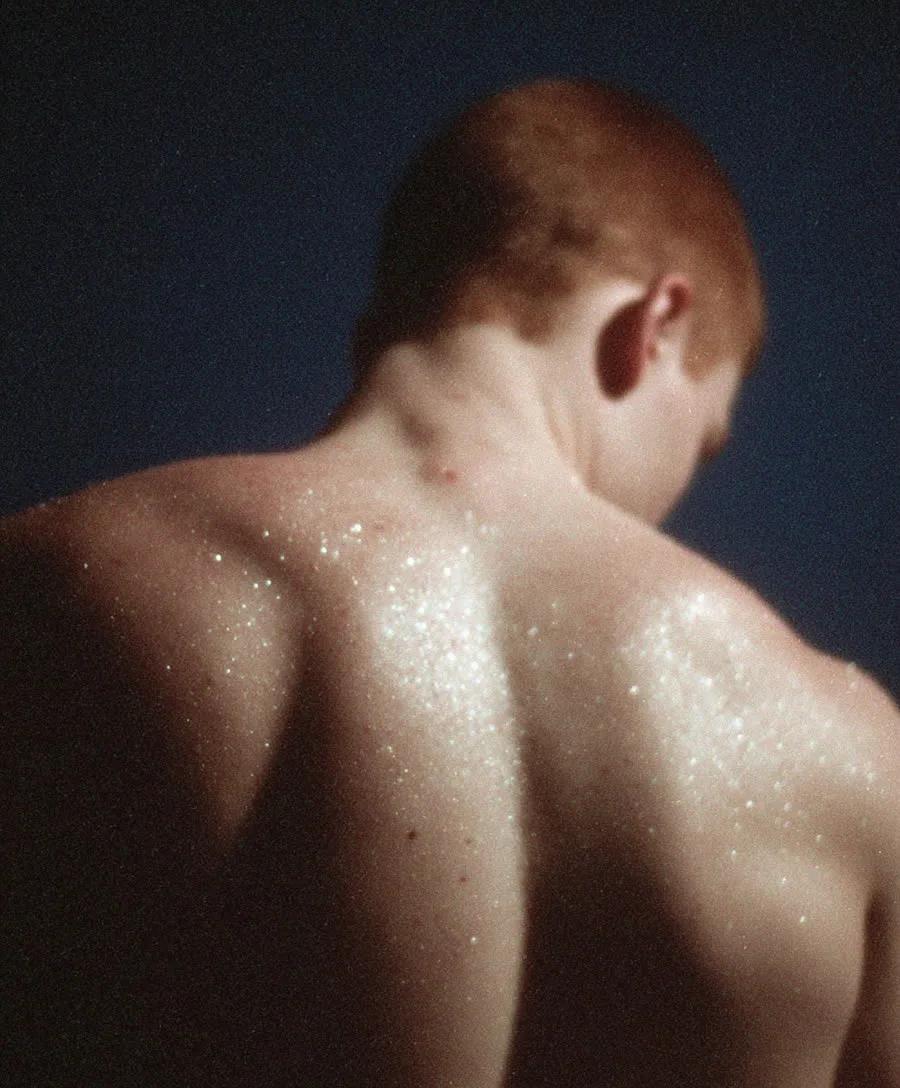
Snap Zoom AI Video Effect
The snap zoom is a single fast punch-in — one beat, no drama. Sitcoms use it for the punchline reaction, sports broadcasts for the goal scorer, product ads for the feature callout. It's the crash zoom's polite sibling: same speed, smaller distance, funnier timing.
Because the travel is short, snap zooms are the most reliable camera move in AI video — faces stay clean, products stay sharp. Name the target and the beat: 'snap in on her raised eyebrow'.
See it in action — and steal the prompt
Feed any photo to photo to video with a prompt like this and the engine does the rest:
Snap zoom: one quick punchy zoom in on the subject's face for comedic emphasis, fast and clean, holds the close-up for the reaction
How to get this camera move
- Start from a photo — the engine reads depth from the scene; clear subjects and layered backgrounds move best.
- Name the move explicitly — camera language ("dolly in", "orbit", "whip pan") is the strongest steering signal you have.
- Add the pace — "slow", "fast", "whip" or "snap" controls the rhythm more than any setting.
- Keep it to one move — one clean camera instruction per clip beats three stacked ones.
The tools for it
- Photo to video — Upload any still and apply the move with the prompt above.
- Text to video — Describe the scene and the camera move from scratch.
- Video upscaler — Take the finished clip to 1080p for posting.
Try this camera move on your own photo
Upload a still, paste the prompt, and get a moving clip in about a minute. New accounts get 400 free credits, and your first AI video is free — one lifetime offer per account, not per tool or engine. Later videos use credits at the normal rate.
Animate a photoFrequently asked questions
Snap zoom vs crash zoom?
Both are fast; the difference is distance. A snap zoom travels a short way (medium to close-up) for emphasis, a crash zoom crosses the whole frame for impact.
What's the classic use?
The reaction shot — punch in on a face at the punchline. Also feature callouts on products: snap in on the logo, the lens, the texture.
Can it zoom out instead?
Yes — a snap out ('quick zoom out to reveal the full scene') flips the joke from emphasis to reveal. Both directions are one prompt line.