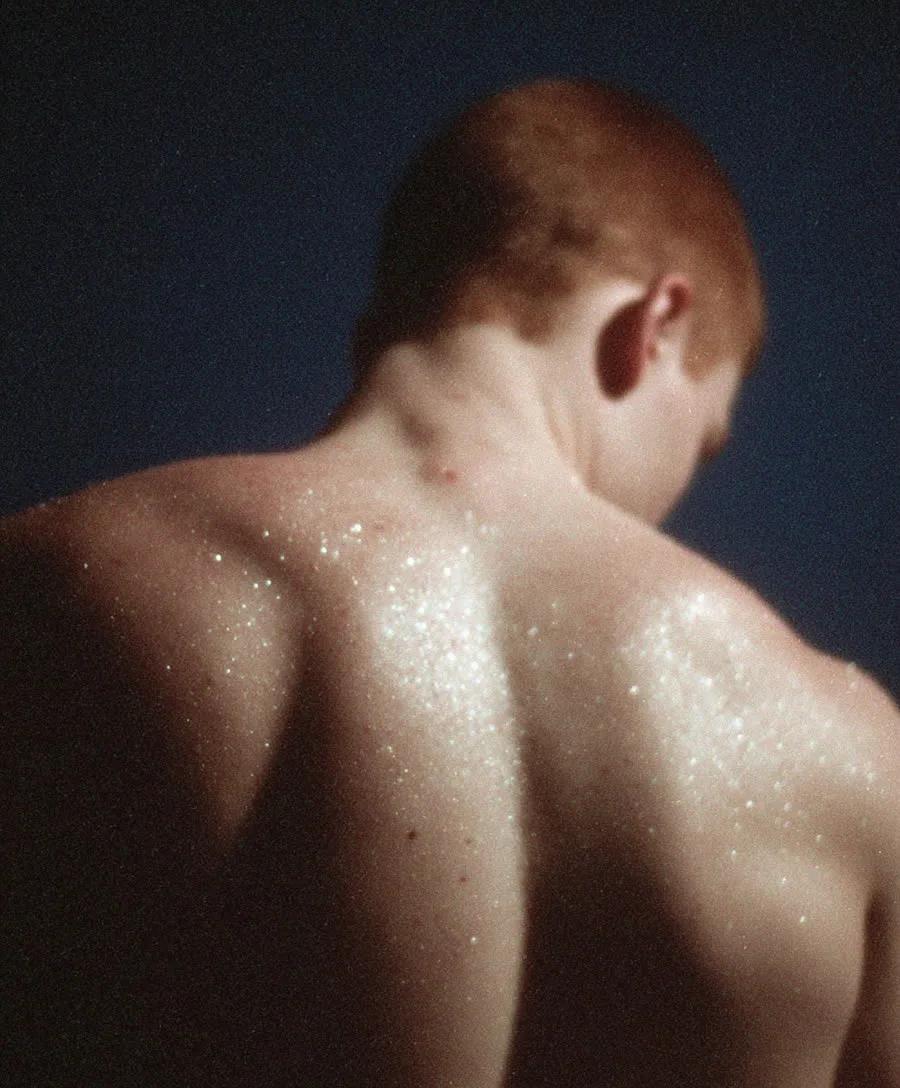
Crash Zoom AI Video Effect
The crash zoom is pure aggression: a violent high-speed punch from wide to tight, used constantly in music videos, sports edits and meme cuts. The energy comes from speed — the move itself takes half a second and lands like a drum hit.
AI video handles crash zooms well because the start and end of the move are both "the same photo, different crop" — the engine just has to move fast. Faces, products and logos are ideal targets; the prompt should say exactly what the zoom lands on.
See it in action — and steal the prompt
Feed any photo to photo to video with a prompt like this and the engine does the rest:
Crash zoom: extremely fast aggressive zoom punching in from a wide shot straight onto the subject's face, snappy music video energy, slight motion blur on the zoom
How to get this camera move
- Start from a photo — the engine reads depth from the scene; clear subjects and layered backgrounds move best.
- Name the move explicitly — camera language ("dolly in", "orbit", "whip pan") is the strongest steering signal you have.
- Add the pace — "slow", "fast", "whip" or "snap" controls the rhythm more than any setting.
- Keep it to one move — one clean camera instruction per clip beats three stacked ones.
The tools for it
- Photo to video — Upload any still and apply the move with the prompt above.
- Text to video — Describe the scene and the camera move from scratch.
- Video upscaler — Take the finished clip to 1080p for posting.
Try this camera move on your own photo
Upload a still, paste the prompt, and get a moving clip in about a minute. New accounts get 400 free credits, and your first AI video is free — one lifetime offer per account, not per tool or engine. Later videos use credits at the normal rate.
Animate a photoFrequently asked questions
What's the difference between a crash zoom and a dolly zoom?
A crash zoom is just speed — punching in or out fast. A dolly zoom warps perspective by combining zoom with counter-movement. Crash zooms are far easier and very reliable from a single photo.
What subjects work best?
Faces, products and logos — anything you want to land on hard. Name the landing target in the prompt ('straight onto the sneaker').
Can I chain crash zooms?
Yes — cut several clips with alternating crash-ins and crash-outs on the beat. Generate each separately and edit them in the video editor.