
AI Headshots & Interior Renders for Architects
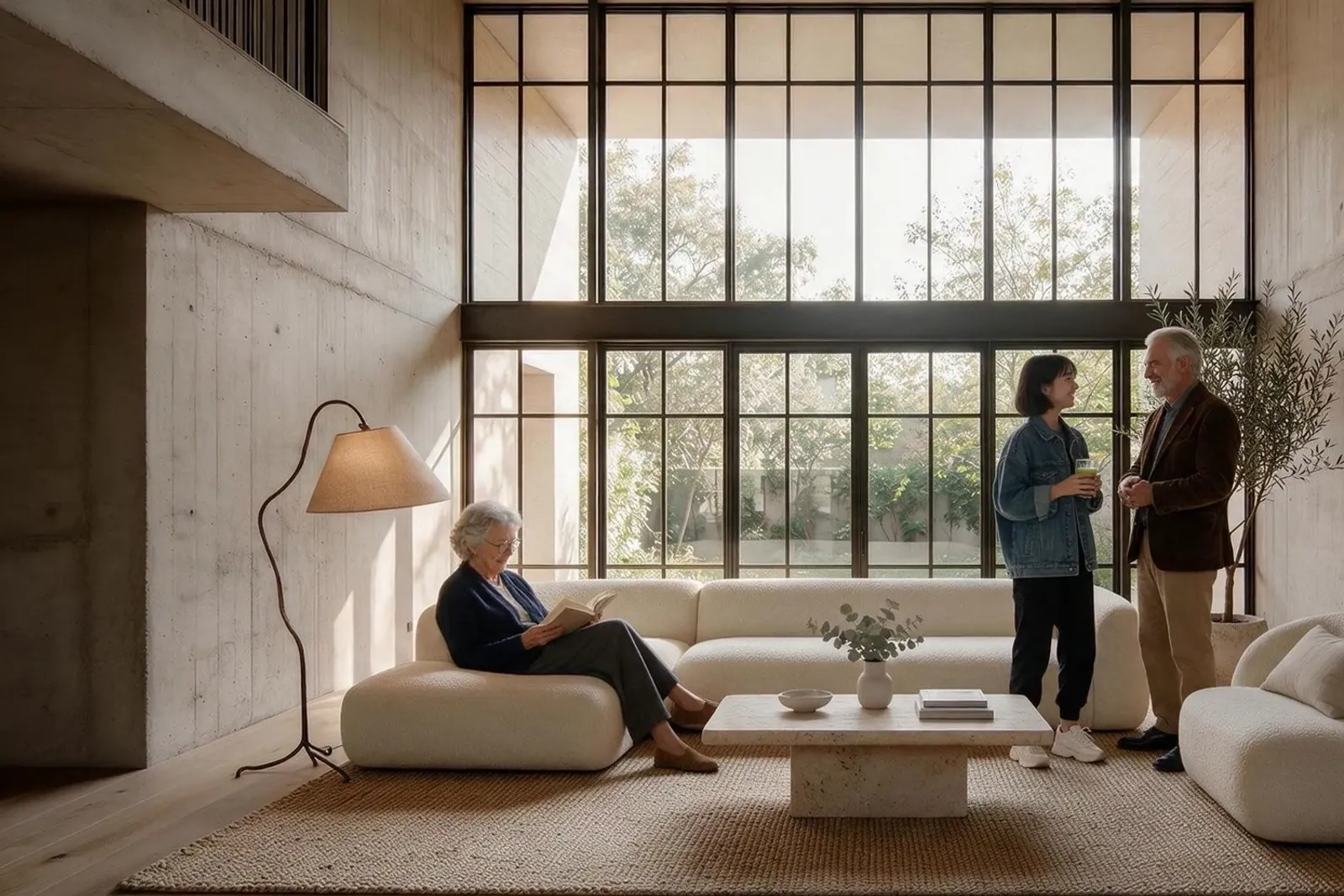
Architecture has two photo problems, and most practices are bad at both. The first is the people: the practice website, the competition bid, the lecture bio and the awards entry all need portraits, and most architects are photographed standing in front of a building squinting. The second is the work itself: early-stage client conversations need interiors visualised fast — restyled, staged, relit — long before the project justifies a rendering budget.
Both problems have the same shape: the professional fix is expensive and slow relative to how often the need recurs. A portrait session per partner per bid cycle; a visualiser's invoice per client conversation. So practices reuse decade-old portraits and lose early clients to whoever showed them the idea first.
The recommended setup
Start with the pack built for your world — one trained model, 50 credits per photo:
-

Business Casual
The design-practice register — professional without the corporate suit.
-

Executive Studio
For competition bids, jury citations and directorial bios.
-
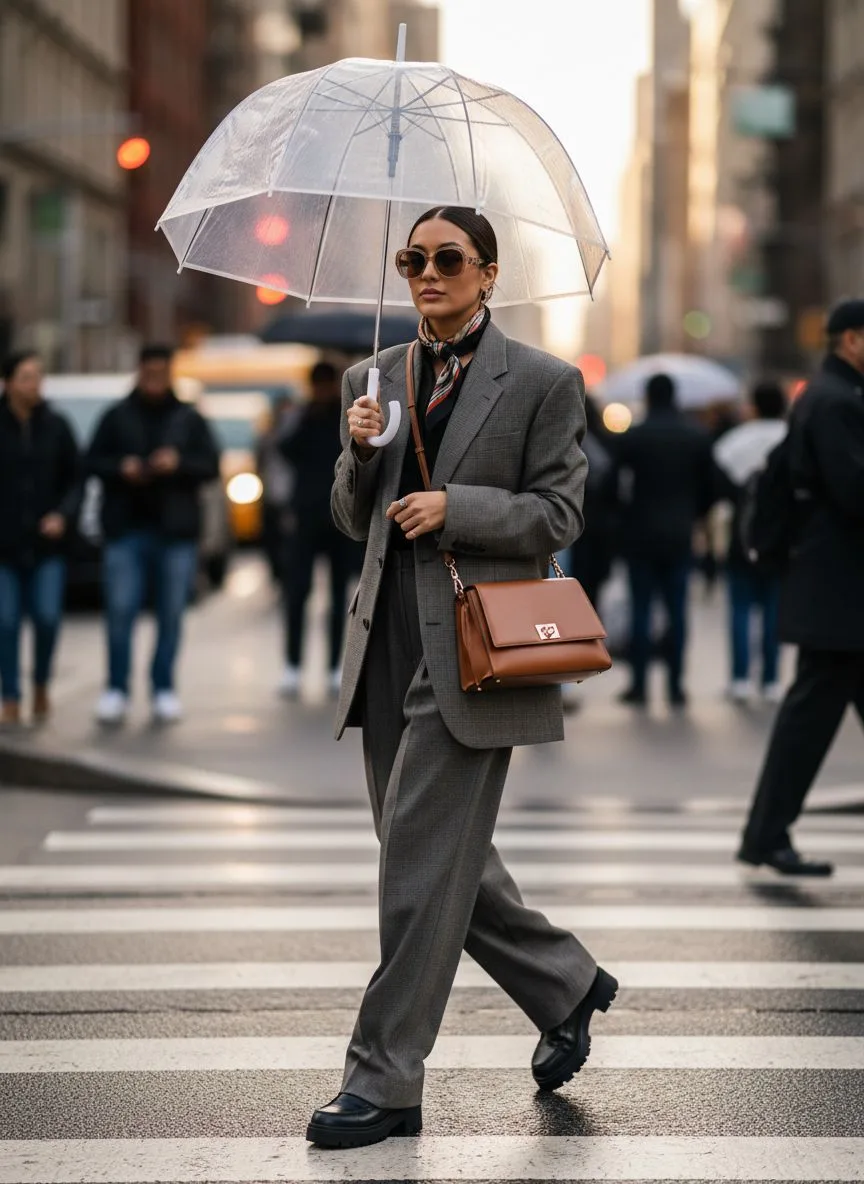
Urban Street
A contemporary editorial look for younger practices and studio pages.
Then finish with the tools:
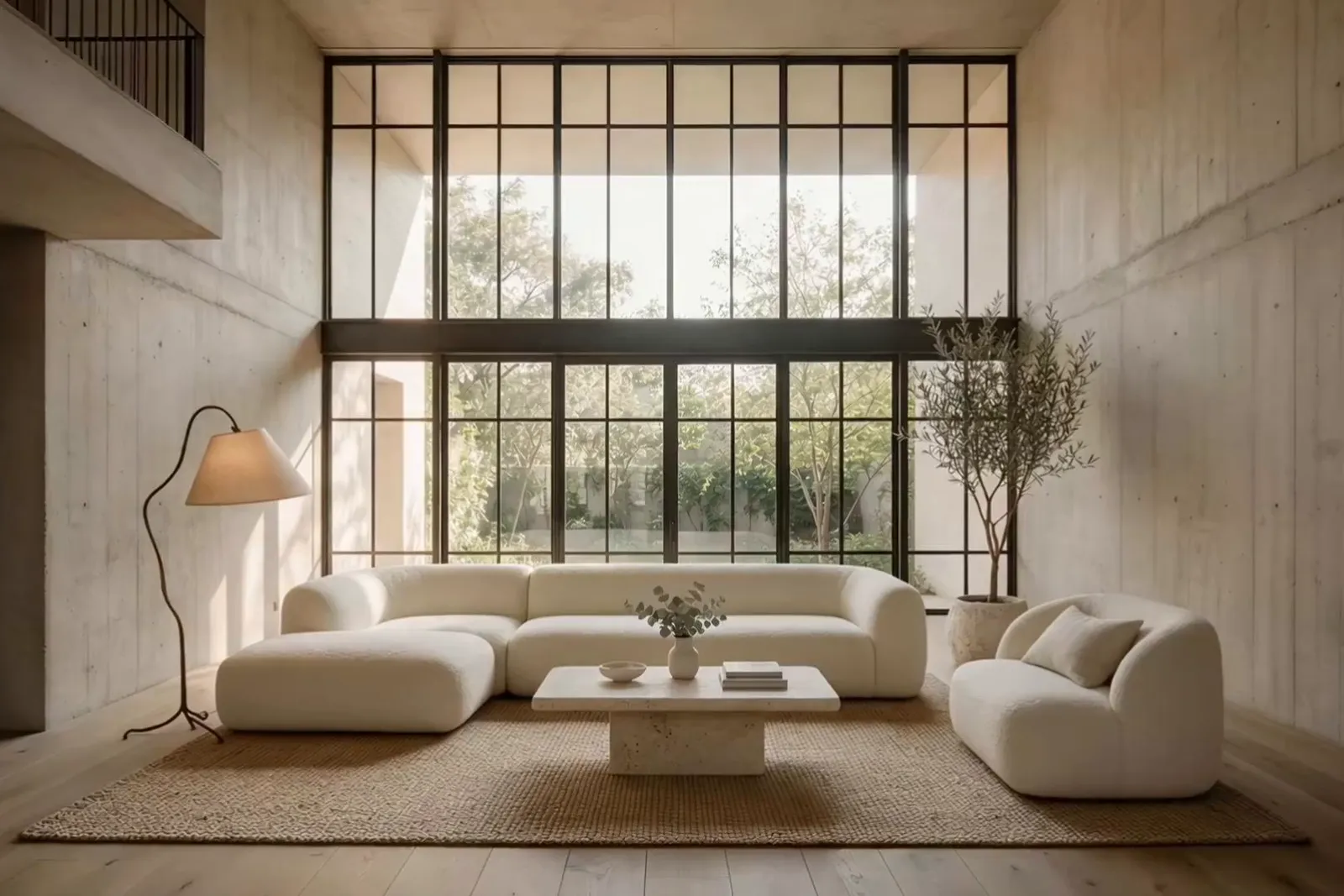
- Interior Studio — Restyle, stage, relight and material-swap real project photos — built by two practising architects.
- Relight — Move interiors and portraits into the light the concept conversation needs.
- 22K Upscaler — Board- and print-ready files for presentations and competition panels.
What it costs vs the traditional route
A portrait session per partner runs $150–400; a visualiser's interior render runs more, per view, per revision. With Hermosso you train your personal model once (2,000 credits) and generate portraits at 50 credits each — and the same subscription covers the Interior Studio for concept work. Starter is $9/month for 5,000 credits, new accounts get 400 free, and credits never expire, so the balance survives the gaps between bids.
Try it on your own photos
Upload a few selfies, and Hermosso trains a private AI model of you — then generates studio-quality photos in any style. Your first credits are free.
Create your AI photos →Frequently asked questions
What photo should an architect use on the practice website?
Design-casual rather than corporate: clean backdrop, good light, the register your clients will actually meet in the studio. Save the formal suit register for competition bids and jury citations, where the audience expects it.
Can Hermosso help with interior concept work, not just portraits?
Yes — that is what the Interior Studio is for. Upload a photo of the actual space and restyle it while the structure, windows and proportions stay put; stage empty rooms, swap materials, relight, and try new camera angles of the same room. It was built by two practising architects around their own project workflow.
How do partners and associates get matching portraits?
Each person uploads their own selfies and generates from the same pack, so backdrop and lighting match across the practice. New associates match the set on day one — no waiting for the next practice photo day.
Is the Interior Studio output good enough for client presentations?
For concept and feasibility conversations, yes — that is the stage it was built for. Run results through the 22K upscaler for boards, and treat later-stage visualisation as you always have: the Studio accelerates the conversations that win the commission, not the planning submission.