
AI Tools for Real Estate Photographers

A real estate photographer's margin lives in the edit, and the edit is where the hours go. Empty rooms photograph like storage units, so agents increasingly expect staging; overcast shoot days deliver flat exteriors the listing calendar cannot wait to redo; and every portal wants files sharp enough to survive its own compression. Each of those is either billable software, a reshoot, or an evening lost per property.
The photographer's own marketing has the same problem as everyone else's: the about page of the person who shoots houses for a living often has no decent photo of the person. Clients booking a shoot are hiring reliability, and a faceless website undersells it.
The recommended setup
Start with the pack built for your world — one trained model, 50 credits per photo:
-

Studio Headshot Pro
A clean, neutral portrait for the about page and agent proposals.
-

Business Casual
The on-site register — how clients will actually meet you.
-
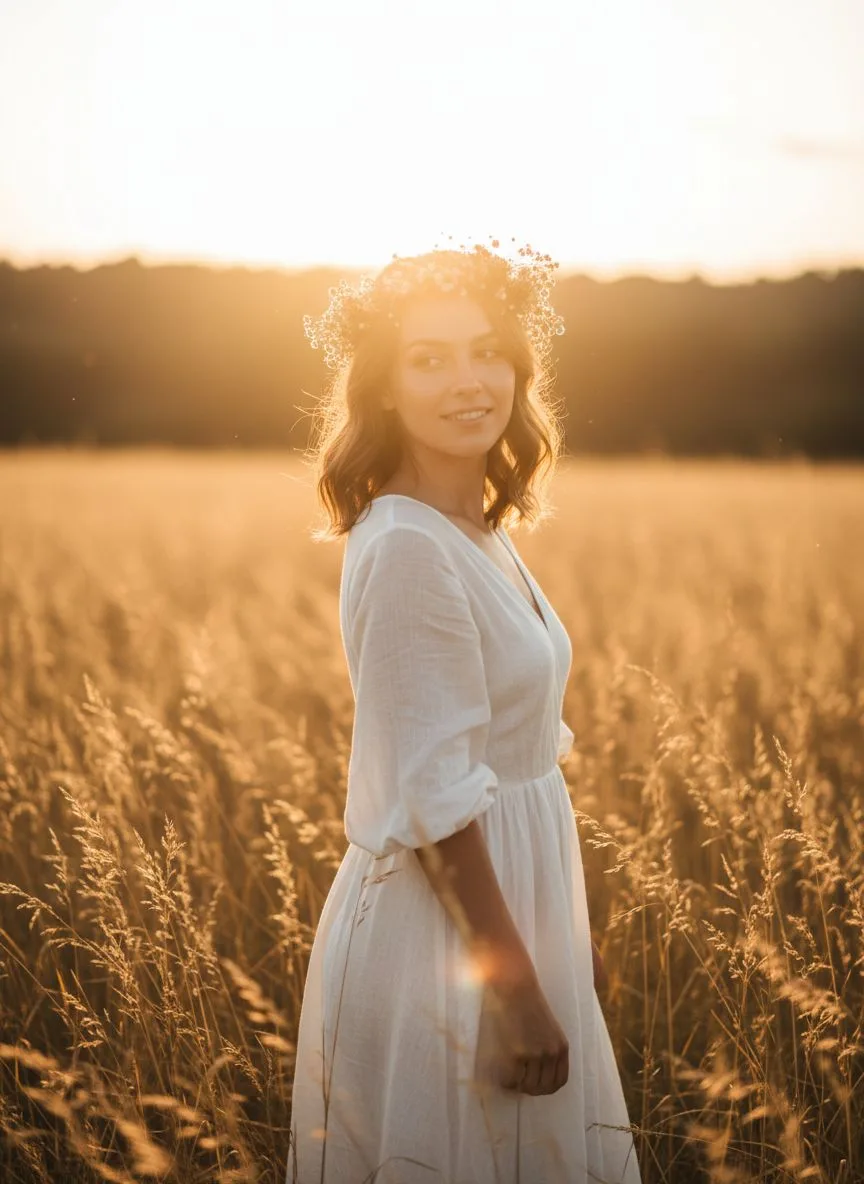
Golden Hour
The dusk-exterior look, for your own portfolio and bio shots.
Then finish with the tools:
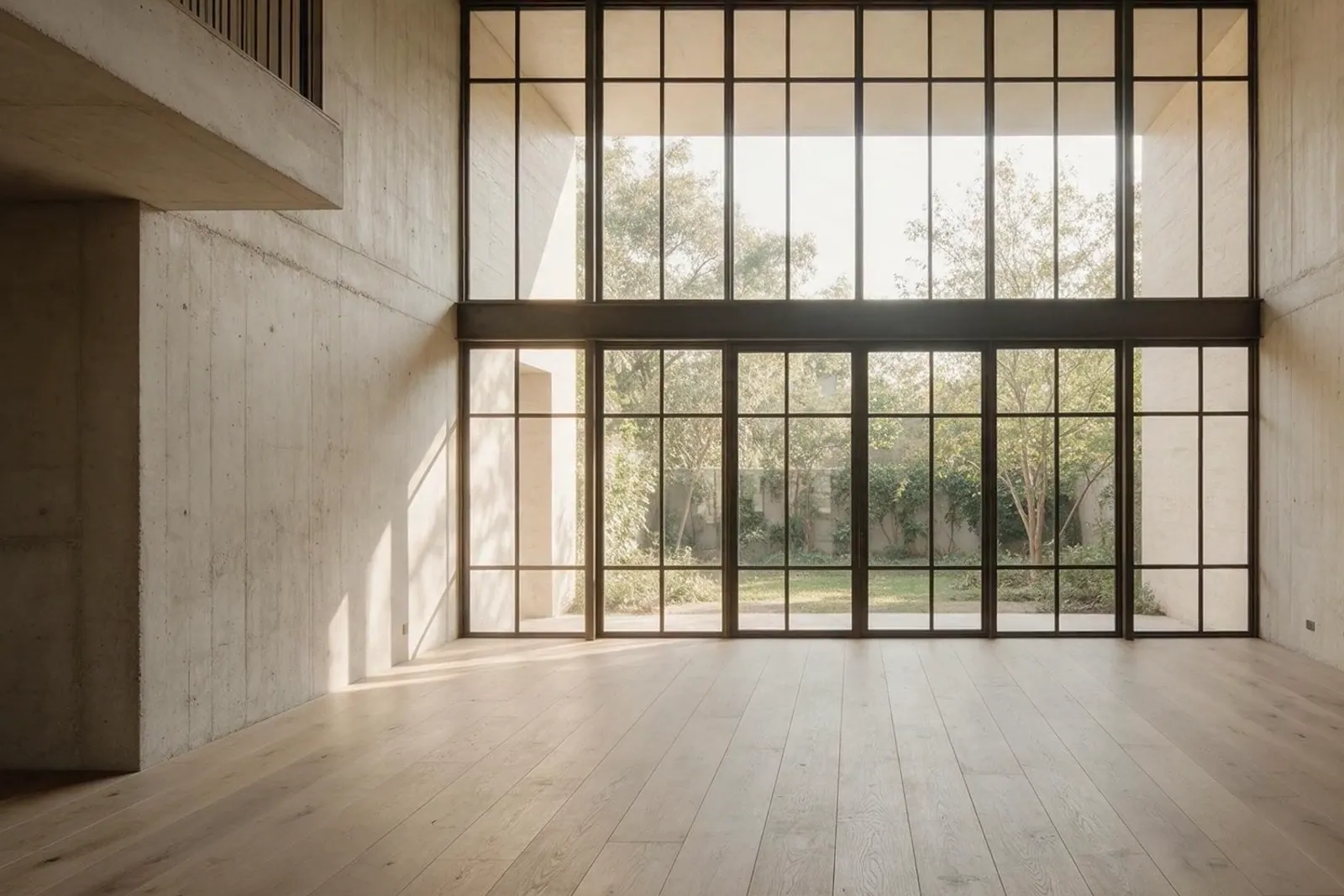
- Interior Studio — Virtually stage empty rooms — furniture, style and light — with the structure, windows and proportions locked.
- Relight — Rescue overcast exteriors and flat interiors without a reshoot.
- 22K Upscaler — Deliver files that survive portal compression and print brochures.
What it costs vs the traditional route
Physical staging runs into four figures per property and per-property staging software bills per image; a reshoot costs the day. With Hermosso the same subscription covers staging, relighting and upscaling — Starter is $9/month for 5,000 credits, new accounts get 400 free, and credits never expire, so a quiet month costs nothing and a busy one needs no new contract. Your own about-page portrait costs 50 credits after a one-time 2,000-credit model train.
Try it on your own photos
Upload a few selfies, and Hermosso trains a private AI model of you — then generates studio-quality photos in any style. Your first credits are free.
Create your AI photos →Frequently asked questions
Can Hermosso virtually stage an empty listing?
Yes — upload the room photo to the Interior Studio and it furnishes and styles the space while keeping the structure, windows and proportions locked, which is the part agents get sued over when it drifts. Style it again for a different buyer profile in the same session.
Does virtual staging need to be disclosed on listings?
Most MLSs and portals require staged images to be labelled as virtually staged — follow your local rules and your agent's guidance. Because the Studio keeps the room's structure intact, the disclosure is about the furniture, not the architecture.
Can I relight an overcast exterior instead of reshooting?
That is one of Relight's most common uses: take the flat, grey-sky exterior and move it into warm daylight or a dusk register while keeping the property recognisable. It saves the reshoot day when the listing calendar cannot wait for weather.
Will the files be sharp enough for portals and print?
Generate or edit at standard resolution, then run the 22K upscaler for delivery — it exists precisely for files that need to survive portal recompression and brochure print. Five tiers let you match the ceiling to the job.