How to Put Yourself in Any Photo or Video with AI (2026)
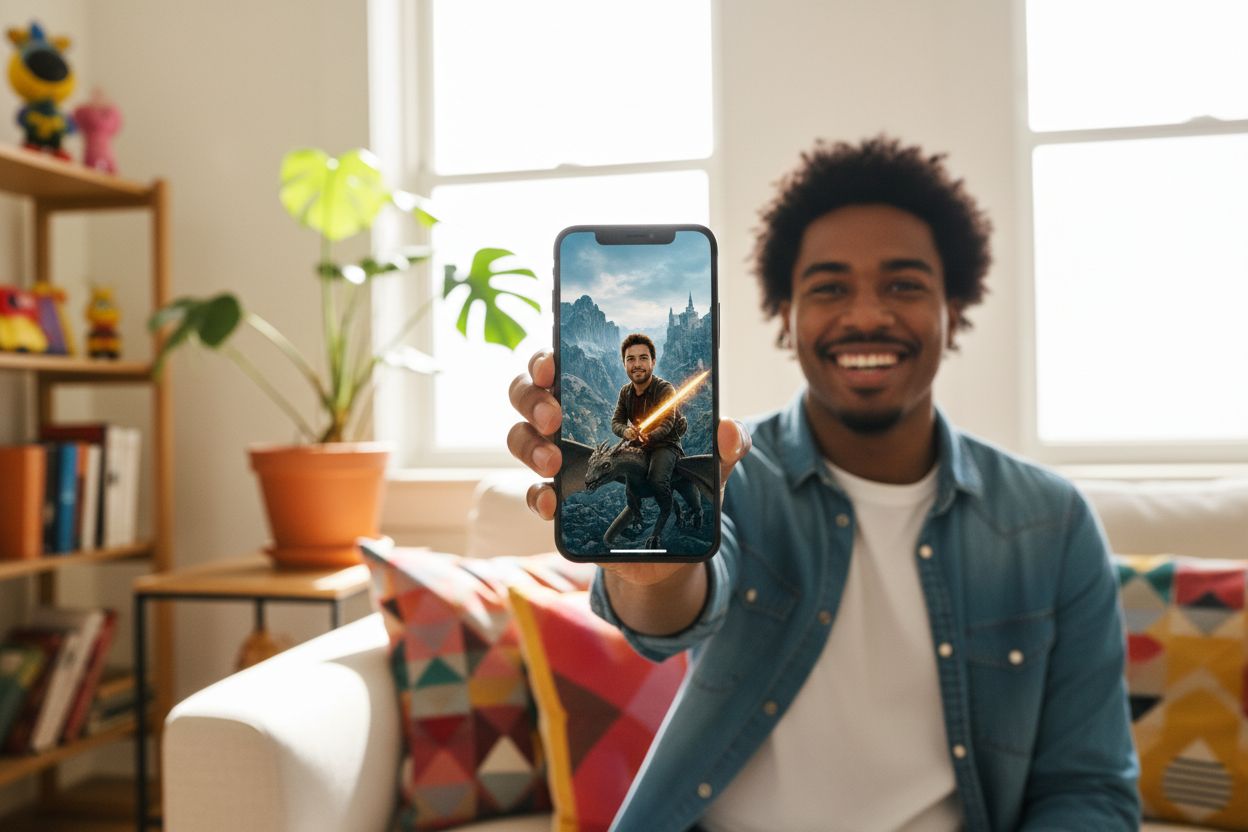
Putting yourself into any photo or video with AI takes one clear selfie and about a minute — for a photo, the AI copies the scene with you in it; for a video, it re-shoots the clip with you as the performer, keeping the motion, camera work and sound. No Photoshop, no green screen, no editing timeline. This is the casual version of the question — "how do I AI a picture of myself into that?" — and here's the direct answer for both formats, with what it costs and where the limits are.
Put yourself in any photo
Say you found a scene you want to be in — a destination you've never visited, a styled editorial look, a famous poster composition. The tool for that is Recreate: give it the photo whose scene you want and a selfie of you, and it rebuilds that scene with you in it — your face, your likeness, the picture's light and composition. One reference photo is enough; a few more steadies the likeness.
If what you want instead is a whole shoot of yourself — headshots, dating photos, travel sets, anything styled — the deeper route is a personal model: upload 10–20 selfies to AI Persona, it trains in about two minutes, and then every one of the 70 curated photoshoot packs renders you at 50 credits per photo. The full walkthrough of that route is in how to create AI photos of yourself, and the technique behind copying an existing picture's look is covered in recreate any photo with AI.
Put yourself in any video
The video version of the trick is called recasting, and it went mainstream for a reason: the result is uncanny in the good way. Open Motion Transfer, add one photo of yourself per person (up to four people in one clip), add any clip of 4–30 seconds — a dance, a movie scene, a sports highlight, a meme — and generate. The model re-shoots the clip with you as the performer: your face and proportions, the original motion, cuts and soundtrack intact. Drafts render at 768P (450 credits per second of clip), finals at 1080P (700 per second), and the price is shown before you run anything.
The details that make it work — multi-person clips, keeping identity through fast cuts, when to turn on Realism boost — are in the Hailuo Recast guide, and the mechanics of the whole format in the motion transfer guide.
What it costs to try
New accounts get 400 free credits — enough to put yourself into a first photo (50 credits) or a short video draft before paying anything. After that, plans start at $9/month with 5,000 credits, and credits never expire — one balance covers every tool on the platform, photos and video alike.
Where the honest limits are
- Likeness lives and dies by the reference. A sharp, front-facing, recent photo holds your identity; a grainy side-profile gives the model little to hold onto. If a result drifts, better input beats more attempts.
- Video clips have guardrails. 4–30 seconds, no single shot over 15 seconds, and the people need to be clearly visible — abstract footage comes back unprocessed (a refund, not a charge).
- It's you, re-rendered — not pasted. The AI rebuilds the scene with your likeness rather than cutting out your face, which is why the lighting matches — and why tiny details (a ring, a tattoo, exact hairline) can drift between generations.
- Other people's faces need their consent. Your face, your friends' faces with their blessing, fictional characters — and label it AI when you post. That line is what keeps the format fun.
Photos first, or video?
If you're new to this, start with a photo: one selfie, one scene you love, 50 credits — a minute end to end. Then take the same selfie to Motion Transfer and put yourself in the clip that's been living in your head rent-free. That's the whole hobby in two steps.
Try it on your own photos
Upload a few selfies, and Hermosso trains a private AI model of you — then generates studio-quality photos in any style. Your first credits are free.
Create your AI photos →Frequently asked questions
How do I put myself in a photo with AI?
Use Hermosso's Recreate tool: upload the photo whose scene you want plus a clear selfie of yourself, and the AI rebuilds that scene with you in it — your likeness, the picture's lighting and composition. One selfie is enough, and it costs 50 credits per photo with 400 free credits for new accounts.
How do I put myself in a video?
Open Motion Transfer, add one photo of yourself (up to four people, one photo each) and any clip of 4–30 seconds — a dance, a movie scene, a meme — and the AI re-shoots the clip with you as the performer, keeping the original motion, cuts and sound. Drafts cost 450 credits per second at 768P.
Can I AI a picture of myself for free?
Yes — Hermosso gives new accounts 400 free credits on signup, enough to put yourself into several photos (50 credits each) or a short video draft before paying anything. Paid plans start at $9/month and credits never expire.
Do I need to train an AI model of myself first?
No — Recreate and Motion Transfer both work from a single reference photo with no training. Training a personal AI Persona (10–20 selfies, about two minutes) is only worth it when you want a whole photoshoot of yourself with maximum likeness consistency across many images.
Can I put myself into a famous movie scene or meme?
Technically yes — that's the most popular use of Motion Transfer — but keep it to clearly transformative, personal posts, don't pass AI footage off as real, and never use someone else's face without their consent. Label the result as AI when you share it.
Why doesn't the result look like me?
Almost always the reference photo: use a sharp, well-lit, front-facing, recent photo without sunglasses or heavy filters. For photos you can add up to a few references to steady the likeness; for video, Motion Transfer accepts up to eight photos of the same person for exactly this reason.
Can I put friends or family into photos and videos too?
Yes, with their consent — Motion Transfer maps one photo per person onto the people in a clip (up to four), and the same approach works for photos. The rule that keeps it fun: only faces you have permission to use, and label AI content when you post it.