
How to Animate a Photo with Kling 3 (Step-by-Step Guide)
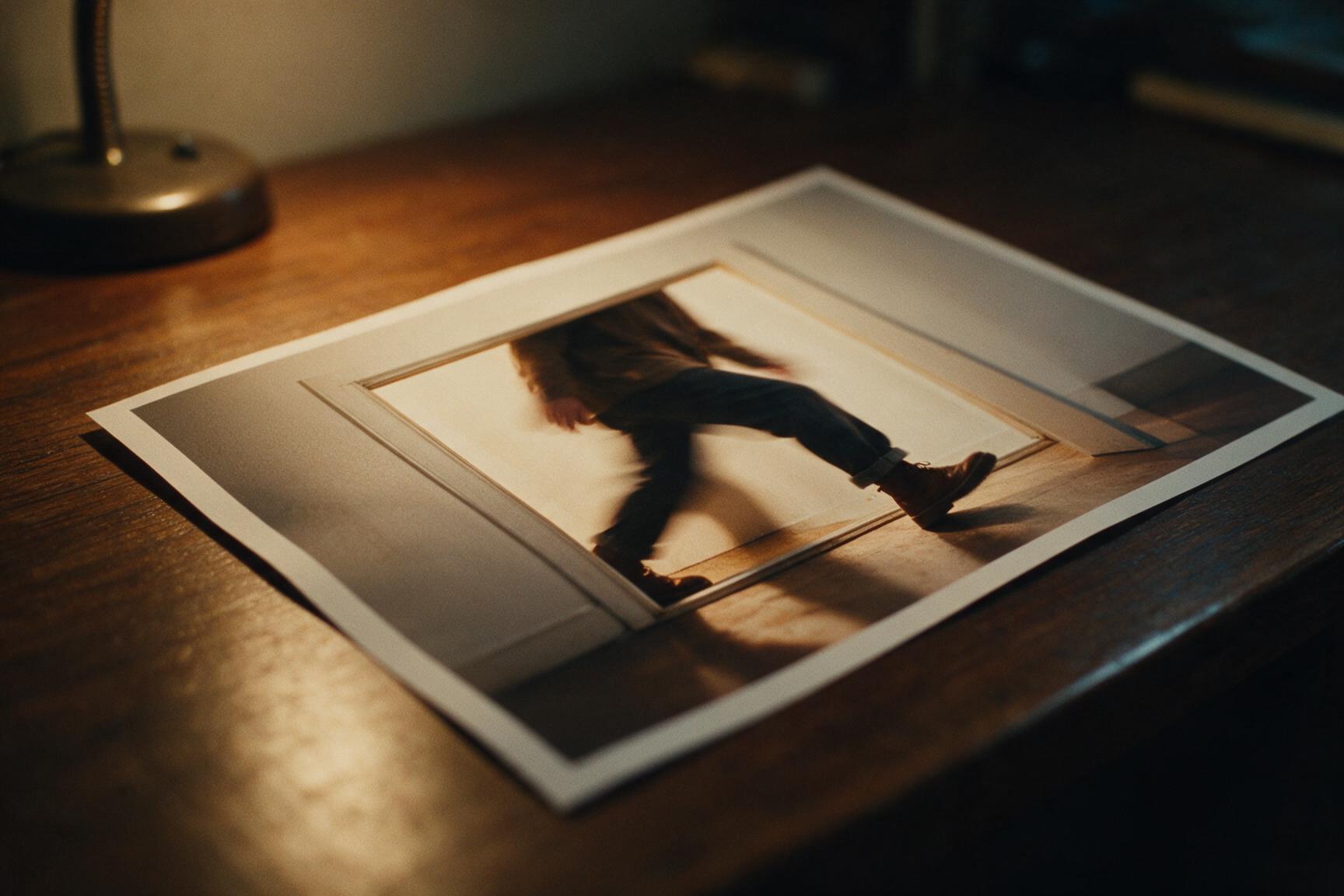
Kling 3 is the latest generation of Kuaishou's video model — and it's the default engine in Hermosso's photo-to-video tool. Upload a still, pick a camera motion, and you get a 5-second clip with realistic movement and native audio. Here's the full workflow, what it costs, and how to get clips that don't look AI-generated.
What Kling 3 is good at
Kling 3 produces natural, physically plausible motion — fabric, hair, water, crowds — and generates native audio to match the scene, which earlier photo-animation tools simply didn't do. In our studio it runs at 720p for 5 seconds per clip at 1,300 credits — the premium option in a lineup that starts at 250. That makes it the engine for clips you'll actually publish, not first drafts.
How to animate a photo with Kling 3
- Upload your photo to Photo to Video — a sharp, well-lit still with a clear subject works best.
- Pick a camera motion. One-click presets handle the cinematography: dolly-in, slow orbit, bullet time, crash zoom, whip pan and more — browse them all on the camera presets page.
- Choose Kling 3 as the engine and generate. You get a 5-second 720p clip with native audio for 1,300 credits. New accounts get 400 free credits on signup.
What to animate
- Portraits and AI photoshoots. Generate a pack photo of yourself, then animate the best frame — the studio's most popular workflow.
- Travel and nature stills. Water, clouds and crowds are where Kling 3's motion physics show off.
- Product shots. A slow orbit or dolly-in turns a flat product photo into an ad-ready clip.
- Old family photos. Restore first, then animate — gentle motion on a restored portrait is a genuinely moving gift.
A note on the audio
Native audio means the clip arrives with sound — ambient noise, environment, atmosphere — matched to the scene. It's surprisingly effective for social posts, and it's part of why Kling 3 costs more than silent engines. If you're adding your own music or voiceover anyway, Kling 2.6 silent (350 credits) or Seedance Fast (250) are the economical picks; save Kling 3 for clips where the soundtrack matters.
Picking the right engine for the job
Kling 3 isn't always the right spend. The studio's lineup, per 5-second clip:
- Seedance Fast — 250 credits. The cheap draft: test a motion before committing.
- Veo 3.1 Lite — 300 credits. 6 seconds at 720p with native audio — the longest clip per credit.
- Kling 2.6 — 350 credits silent, 700 with audio. A middle step up in quality.
- Kling Turbo — 500 credits. The 1080p option.
- Seedance 1.5 and Runway Gen-4.5 — 600 credits each. Current-generation quality with audio.
- Kling 3 — 1,300 credits. The flagship: best motion and audio, when the clip matters.
A sensible workflow: draft on Seedance Fast or Veo Lite until the motion reads right, then render the winner on Kling 3.
Tips for realistic animation
- One motion per clip. A single clear camera move looks cinematic; three look broken.
- Subtle beats dramatic. Slow orbits and gentle push-ins are the most convincing.
- Fix the still first. A soft or damaged photo animates poorly — run it through the upscaler or restore first.
- Mind the first frame. The clip starts from your photo — crop and compose it the way you want the video framed.
More on the model itself — strengths, specs and example clips — on the Kling 3 model page.
Try it on your own photos
Upload a few selfies, and Hermosso trains a private AI model of you — then generates studio-quality photos in any style. Your first credits are free.
Create your AI photos →Frequently asked questions
How long are Kling 3 clips?
5 seconds at 720p with native audio in Hermosso's photo-to-video tool, at 1,300 credits per clip. For longer per-credit value, Veo 3.1 Lite makes 6-second clips at 300 credits.
How much does it cost to animate a photo with Kling 3?
1,300 credits per 5-second clip. New accounts get 400 free credits on signup, and plans start at $9/month for 5,000 credits — credits never expire.
Does Kling 3 generate audio?
Yes — Kling 3 generates native audio matched to the scene. If you don't need sound, Kling 2.6's silent tier (350 credits) is the cheaper option.
Can I try Kling 3 free?
New Hermosso accounts get 400 free credits — enough for a full clip on the cheaper engines (Seedance Fast at 250 credits, Veo 3.1 Lite at 300).