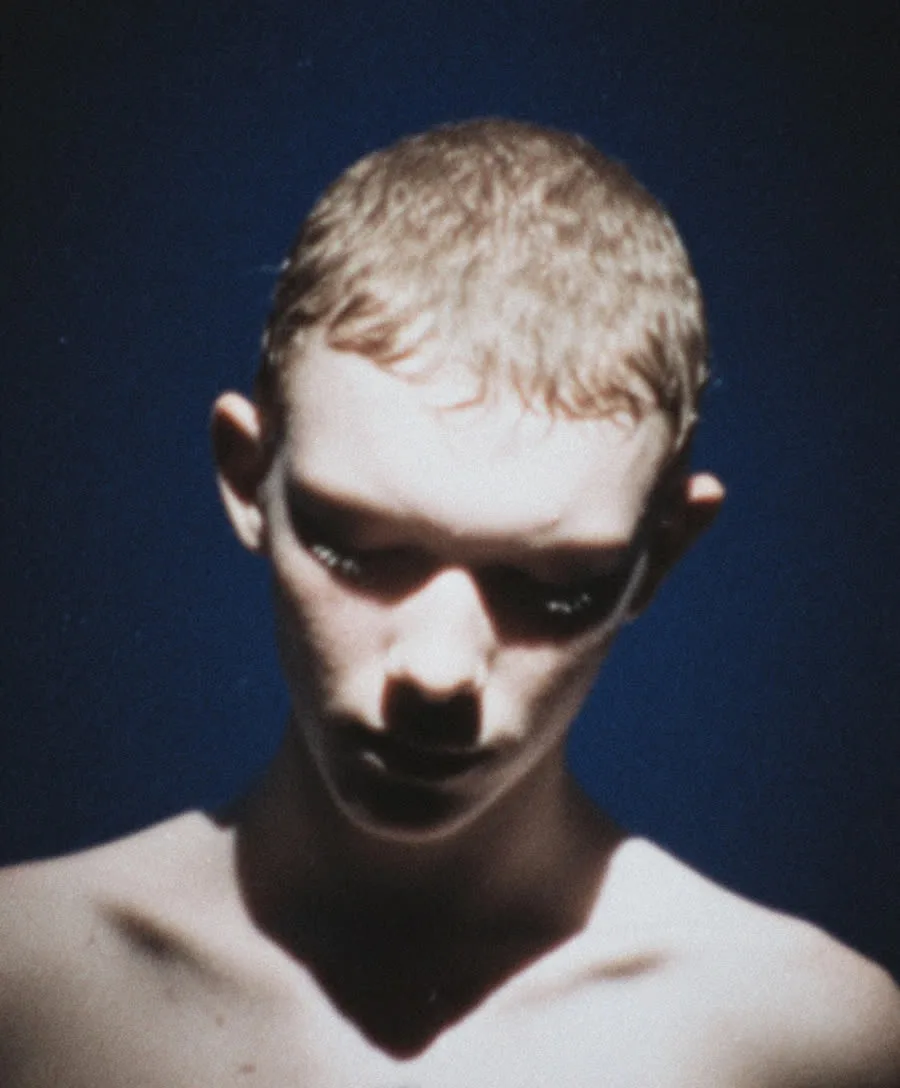
AI Photo Filters: Restyle Any Photo into Film Looks, Viral Trends & Art
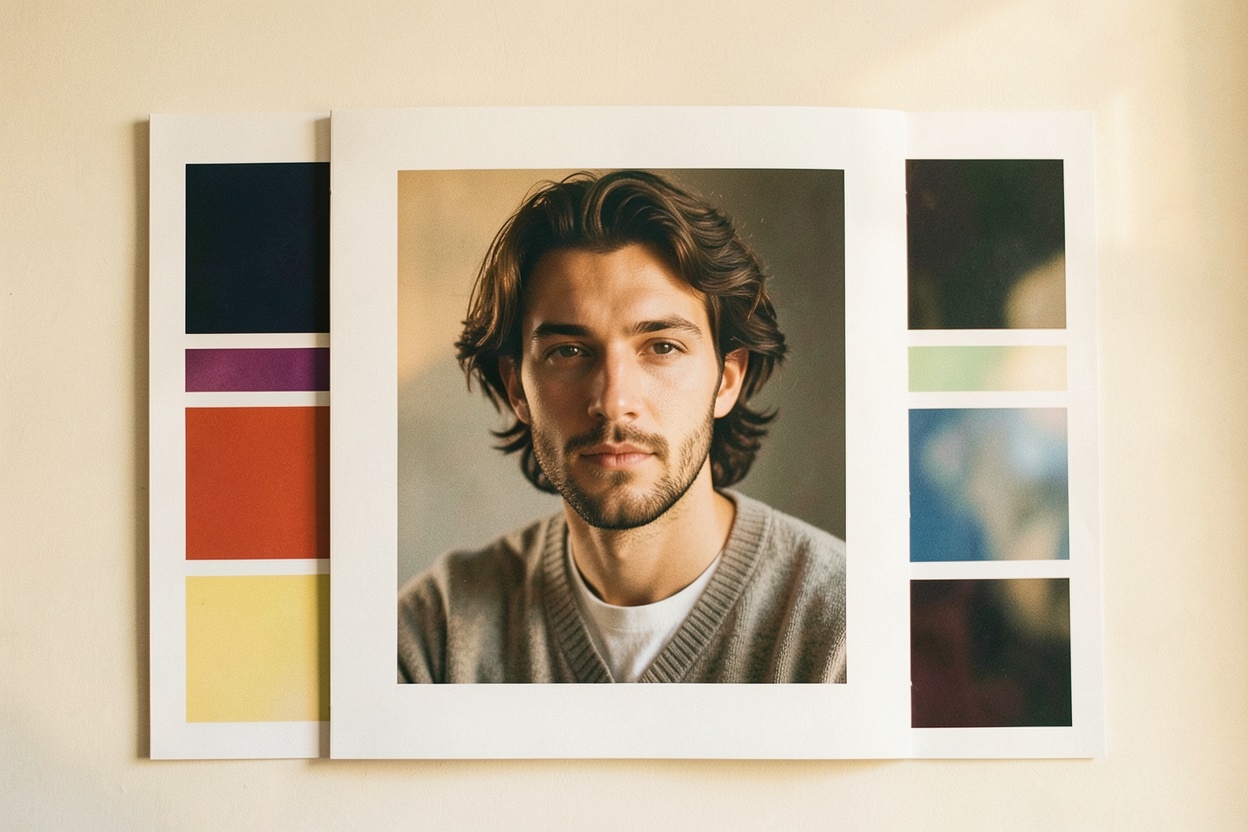
Traditional photo filters nudge colours and contrast. AI photo filters do something different: they restyle the image itself — re-rendering your photo as if it had been shot on film, drawn as an anime frame, or staged as a viral trend — while keeping the subject recognisably you. Here's what that actually means and how to use it well.
What AI filters actually do
A classic filter applies a fixed adjustment to every pixel. An AI filter understands the content of the photo — the person, the pose, the setting — and regenerates it in a target style. That's why the results can be so much more dramatic: it's not tinting your photo, it's creating a new version of it in a different medium or era.
Film looks
Film aesthetics are the most timeless use case. Popular looks include Kodak Gold-style warmth, Fujifilm tones, moody cinematic grading, and lo-fi VHS nostalgia. These work beautifully for portraits, travel shots and anything you want to feel less "phone photo" and more intentional — without buying a film camera or learning to grade.
Viral trends
Social feeds run on novelty, and AI trends move fast — action figure packaging shots, retro yearbook photos, plushie versions of yourself, and whatever next month brings. AI filters let you join a trend with one photo instead of a complicated manual edit, which matters when a trend's shelf life is measured in days.
Artistic styles
The third category is pure restyling: anime, watercolour, claymation, oil painting and more. These turn a favourite photo into something closer to artwork — good for avatars, gifts, prints, and profiles where a literal photo isn't the point.
How to use them on Hermosso
- Upload any photo — a selfie, a portrait, a travel shot.
- Pick a filter from the curated film, viral and artistic styles.
- Generate. Each restyle costs 50 credits, and new accounts get 400 free credits to experiment with.
For the cleanest results, start with a sharp, well-lit photo — strong input gives the AI more to work with, whatever style you choose.
Try it on your own photos
Upload a few selfies, and Hermosso trains a private AI model of you — then generates studio-quality photos in any style. Your first credits are free.
Create your AI photos →Frequently asked questions
How are AI photo filters different from normal filters?
Normal filters adjust colours and contrast on the existing pixels. AI filters understand the content of your photo and regenerate it in a new style — film looks, viral trends or artistic media — while keeping the subject recognisable.
Can AI make my photo look like it was shot on film?
Yes. Popular film looks include Kodak Gold-style warmth, Fujifilm tones, cinematic grading and VHS nostalgia — applied to any photo you upload.
What viral AI photo trends can I try?
Trends like action figure packaging shots, retro yearbook photos and plushie versions of yourself are available as one-photo restyles, alongside rotating new styles as trends emerge.
How much do AI filters cost on Hermosso?
Each AI filter restyle costs 50 credits. New accounts receive 400 free credits on signup, and plans start at $9/month for 5,000 credits.