Take a Passport Photo Online with AI (2026)
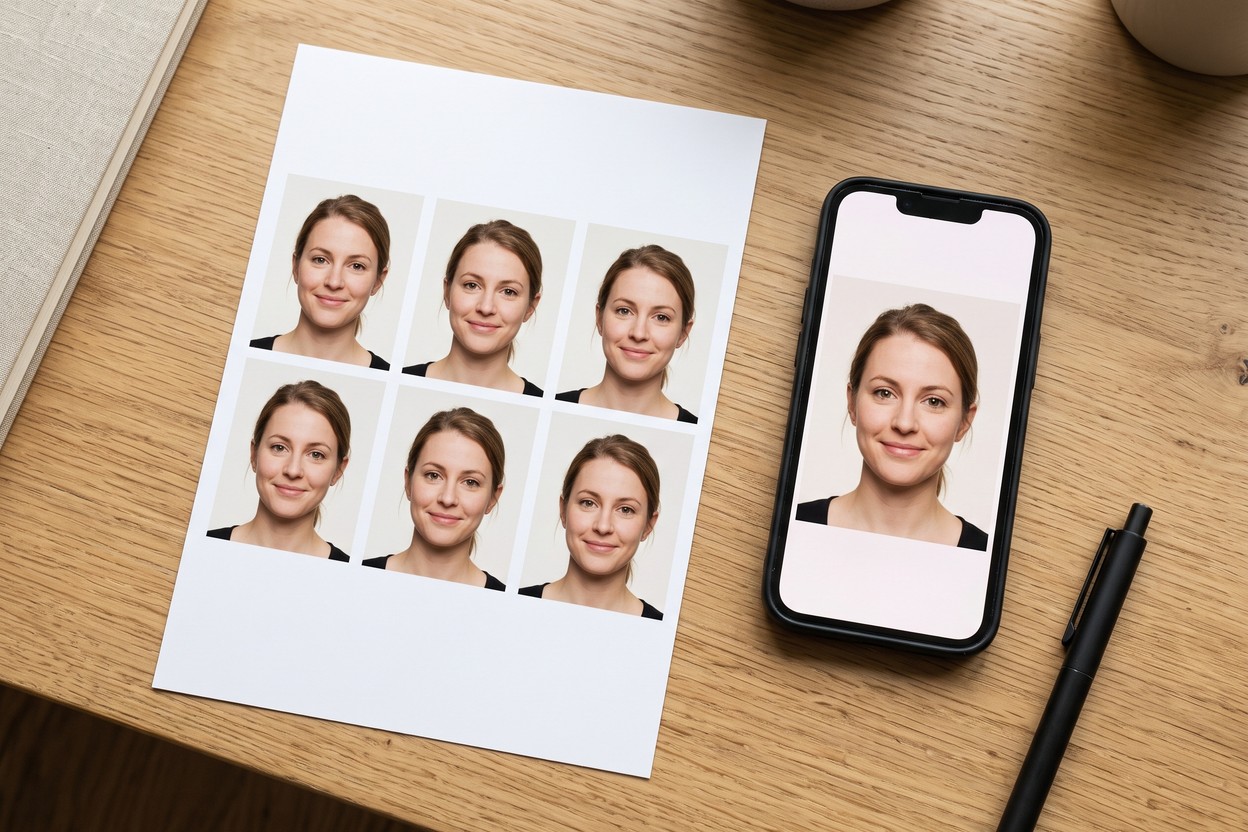
Passport photo rules are strict, and booths and pharmacies charge a surprising amount for a photo you could take better yourself. AI has made the DIY route genuinely safe: it handles the two things that get home-shot photos rejected — the background and the exact crop — while you handle the part only you can do: standing in decent light with a neutral face. Here's how to get a compliant photo in minutes.
The rules your photo has to pass
Requirements vary slightly by country, but the core rules are near-universal across the US, UK and EU:
- Plain light background. White or off-white, no patterns, no objects, no shadows.
- Neutral expression. Mouth closed, eyes open and visible, looking straight at the camera. No smile for most countries.
- Even lighting. No shadows on the face or background, no red-eye, no glare.
- Head size and position. Face centred, head filling roughly 50–70% of the frame height (US: 1–1⅜ in from chin to crown).
- No glasses (required in the US, recommended everywhere), no head coverings except religious ones worn daily, and no heavy filters or retouching.
- Recent. Taken within the last six months, reflecting your current appearance.
The sizes, decoded
The two presets you'll need cover most of the world. The US passport photo is 2×2 inches — 600×600 pixels at 300 DPI for printing. The EU and UK standard is 35×45 mm — 413×531 pixels at 300 DPI. Visas and ID cards for other countries typically use one of these two, or a close variant; always confirm against the official requirements for your specific document before printing.
How to make yours online with Hermosso
- Take the photo. Stand about a metre in front of a plain wall, facing a window for soft, even light. Camera at eye level, head-and-shoulders framing, neutral expression. A friend with a phone beats a selfie — arm's-length shots distort your face.
- Upload it to the Hermosso passport photo tool.
- Pick your preset. US 2×2 inch or EU/UK 35×45 mm. The tool removes your background, composites a compliant white one, and crops to the exact official dimensions and head size.
- Download and print. You get a 300-DPI file — 600×600 px (US) or 413×531 px (EU/UK) — ready for the online application or a local print shop. The whole run costs 50 credits, and new accounts get 400 free.
Tips for a first-time pass
- Light is everything. Face a window, never a lamp behind you. If one side of your face is darker, turn slightly toward the light source until it's even.
- Wear what you'd wear on a normal day — but avoid white tops, which merge into the white background.
- Take a dozen shots. Blinkers and half-smiles are easier to avoid by taking extras than by retaking later.
- Don't over-edit. Authorities reject retouched photos. Fix the light at the source, not in an editor.
- Check your document's exact spec. Some countries add quirks — the UK's rules on expression and India's different dimensions, for instance — so skim the official page before you print.
Try it on your own photos
Upload a few selfies, and Hermosso trains a private AI model of you — then generates studio-quality photos in any style. Your first credits are free.
Create your AI photos →Frequently asked questions
Can I take my own passport photo at home?
Yes — the US, UK and EU all accept photos you take yourself, as long as they meet the official requirements: plain light background, neutral expression, even lighting with no shadows, correct head size, and no filters or retouching. An AI tool handles the background and exact crop, which are the usual rejection reasons.
What size is a passport photo?
The US standard is 2×2 inches (600×600 pixels at 300 DPI). The EU and UK standard is 35×45 mm (413×531 pixels at 300 DPI). Other documents and visas usually use one of these two — always confirm against the official requirements for your specific application.
Can I smile in a passport photo?
In most countries, no. The US, UK and EU all require a neutral expression with your mouth closed and eyes open. A natural, relaxed face passes; a toothy smile risks rejection.
How much does an AI passport photo cost?
On Hermosso, 50 credits — and new accounts get 400 free credits on signup, so your passport photo can effectively be free. Compare that with $10–20 at a pharmacy or booth.