AI Christmas Photos in 2026: Festive Portraits Without a Studio
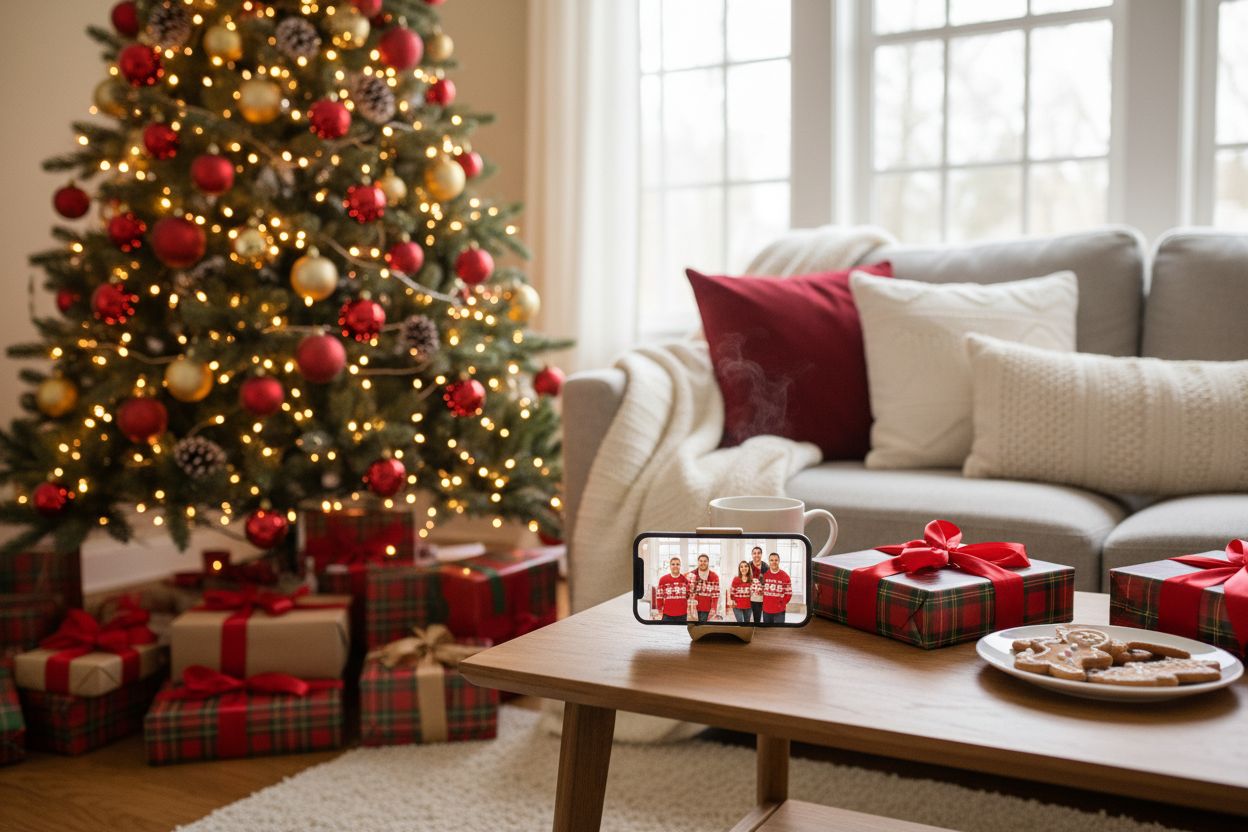
The holiday photo is a strange ritual: book a studio, coordinate outfits, bribe the kids, hope everyone's eyes are open in the same frame. In 2026 there's a second route — train a private AI model on your everyday selfies and generate the festive shoot instead. Done well, the results are genuinely card-worthy; done carelessly, they're uncanny. Here's how it works, what to make, and the honest caveats.
How it works
Upload 10–20 everyday selfies and Hermosso trains a private AI persona of you in about two minutes — your face, kept private to your account. Then pick the Christmas Edit pack and generate. The pack is a curated set of festive looks: red satin and a santa hat against tree bokeh, wrapping presents by the fireplace in a knit sweater, ice-skating at a christmas market, decorating the tree in cozy pajamas. No prompting, no studio, no scheduling — a full festive shoot in one sitting.
Five ideas worth making
- The holiday card portrait. The classic: you by the tree or the fireplace, warm light, looking like the best version of a December evening. This is the Christmas pack's home turf.
- The family scene. The Family Portraits pack places you in group scenes — coordinated sweaters by the fireplace, a park walk in autumn light. One honest caveat below on who the other people in the frame are.
- The cozy winter set. The Winter Cabin pack trades tinsel for atmosphere: a blanket on the cabin porch with steam rising off a mug, reading by the window while snow falls, walking through deep snow toward the cabin. Quieter, and very card-friendly.
- The couple's shoot. Matching-knit looks, market lights, mulled wine — festive without the full Santa treatment, and reusable as ordinary winter photos once the season passes.
- Beyond the packs. The 70 packs cover the rest of the year, and if you have a specific scene in mind — your actual living room, your dog's favourite armchair — describe it in the Create studio with your persona attached and generate it as a custom shoot.
Inputs: the part that decides everything
The model can only learn the face you show it. For a persona that survives close-ups on a printed card:
- Use 10–20 recent photos with varied angles and expressions — front, three-quarter, profile; smiling and neutral.
- Prefer good natural light and sharp focus; skip sunglasses, heavy filters and group shots where your face is tiny.
- Keep it consistent: photos that roughly match your current hair, facial hair and glasses. A persona trained on five years of looks averages them into nobody.
Our full walkthrough is in how to create AI photos of yourself.
The honest part: artifacts, and picking winners
AI portraits in 2026 are very good and still not perfect. The tells live in the details: hands (an extra finger holding the cocoa mug), eyes (a slight asymmetry at print size) and teeth. The workflow that works: generate the full pack, then judge at zoom — open each candidate at full size and check hands, eyes and teeth before anything else. Expect to discard some of any set; that's normal, and it's why the economics matter — at 50 credits a photo, generating enough to find three great ones costs less than a coffee. New accounts get 400 free credits, which covers a first pack outright.
For anything headed to print, run the winners through the 22K Upscaler first — card printers need more pixels than a phone screen does, and a sharpened 4K file prints cleanly at card size.
Timing: don't wait for December
Two reasons to shoot in November. First, print services need a week or more in the holiday rush, and the good ones fill their slots early. Second, the first pack is rarely the final one — leave yourself time to retrain with better inputs or generate a second set once you've seen what the first gets right. The photos keep, the credits never expire, and December-you will be glad it's done.
Try it on your own photos
Upload a few selfies, and Hermosso trains a private AI model of you — then generates studio-quality photos in any style. Your first credits are free.
Create your AI photos →Frequently asked questions
How much do AI Christmas photos cost?
On Hermosso, new accounts get 400 free credits on signup — at 50 credits per photo, that's a full first festive set at no cost. Paid plans start at $9/month for 5,000 credits, and credits never expire, so leftovers carry into next year's cards.
How many selfies do I need for AI Christmas photos?
10–20 recent, varied photos: different angles and expressions, good natural light, no sunglasses or heavy filters. Training the private model takes about two minutes, and it stays private to your account.
Can I get my partner, kids or dog in the photos?
Partially. The Family Portraits pack places you in group scenes — but the other people in the frame are AI-generated, not your actual family. For a card where grandma must be recognisably grandma, use the AI photos for the solo and couple shots and a real camera for the full-family frame.
Will AI Christmas photos actually look like me?
Yes, if the inputs are good — the persona is trained on your face, and likeness across a pack is the whole point of the product. Weak or inconsistent selfies are the usual cause when likeness drifts; retrain with sharper, more varied photos.
Are AI photos okay to use on printed holiday cards?
Yes — that's one of the most common uses. Pick your winners at full-size zoom (check hands, eyes, teeth), upscale them to 4K with the 22K Upscaler for clean print output, and order early; print services book up in December.
When should I make AI Christmas photos?
November, or early December at the latest. You'll want time for a second generation round if the first pack isn't quite right, and card printers need a week or more during the holiday rush.