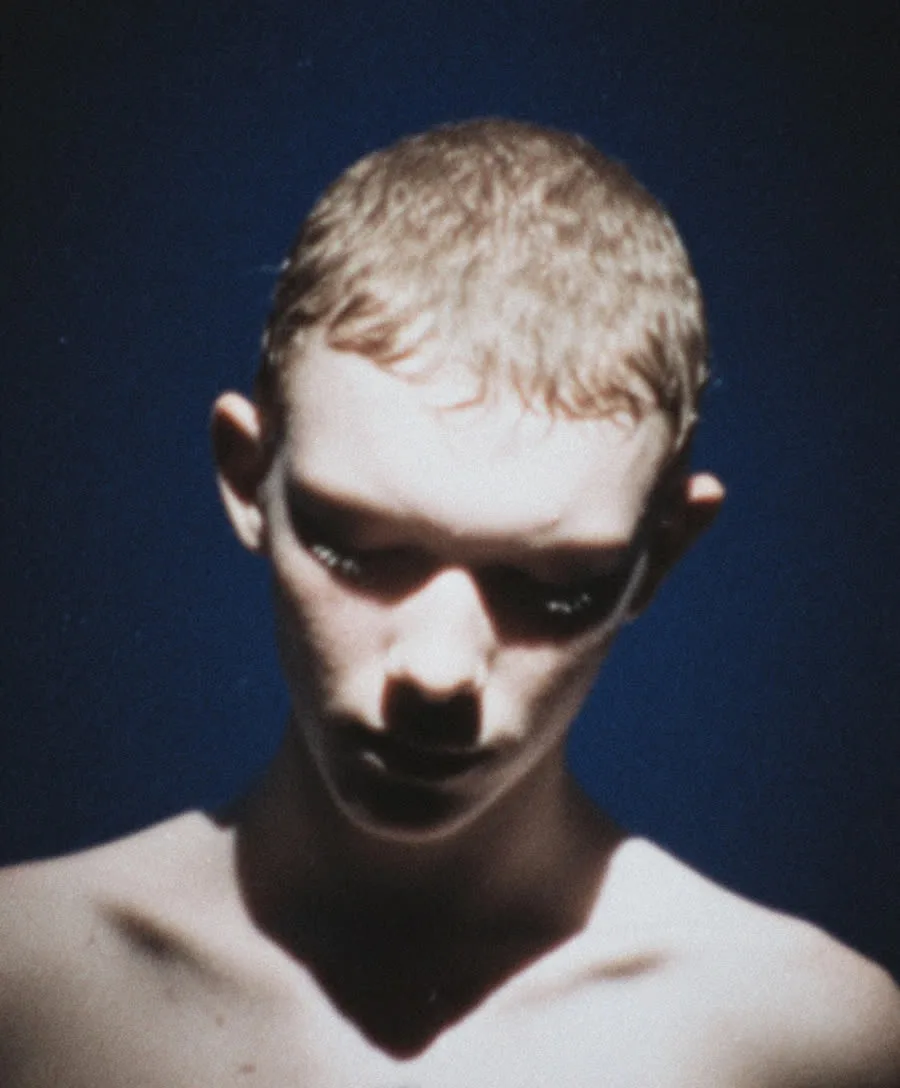
Drone Descent — AI Camera Motion Preset
From the sky to their eyes.
Begin above the scene like an aerial shot, then let the camera descend smoothly toward your subject until you're face to face. The drop from wide to intimate gives one photo the arc of a whole crane shot — grandeur first, connection second.
How it works
- Upload a photo. Any sharp portrait works — fresh upload or one from your gallery.
- Pick the Drone Descent preset. The camera direction is built in; add your own styling prompt on top if you like.
- Generate. Your clip is ready in about a minute, saved to your videos.
250 credits at 720p · 500 credits at 1080p — presets are free.
Frequently asked questions
What is the Drone Descent camera-motion preset?
Drone Descent is a one-click camera move for Photo to Video: From the sky to their eyes. Upload any portrait and Hermosso animates it with this exact camera direction — no prompting or video skills needed.
How do I use Drone Descent on my own photo?
Open Photo to Video (/photo-to-video), upload a photo or pick one from your gallery, choose the Drone Descent preset, and generate. Your clip is ready in about a minute and saved to your videos.
How much does it cost?
Animating a photo costs 250 credits at 720p (Standard) or 500 credits at 1080p (Premium). Presets are free to use — you only pay for the clip. New accounts get 400 free credits.
Can I add my own prompt on top of a preset?
Yes. The preset controls the camera, and anything you type is added on top — for example styling or mood directions like 'golden hour light' or 'film grain'.