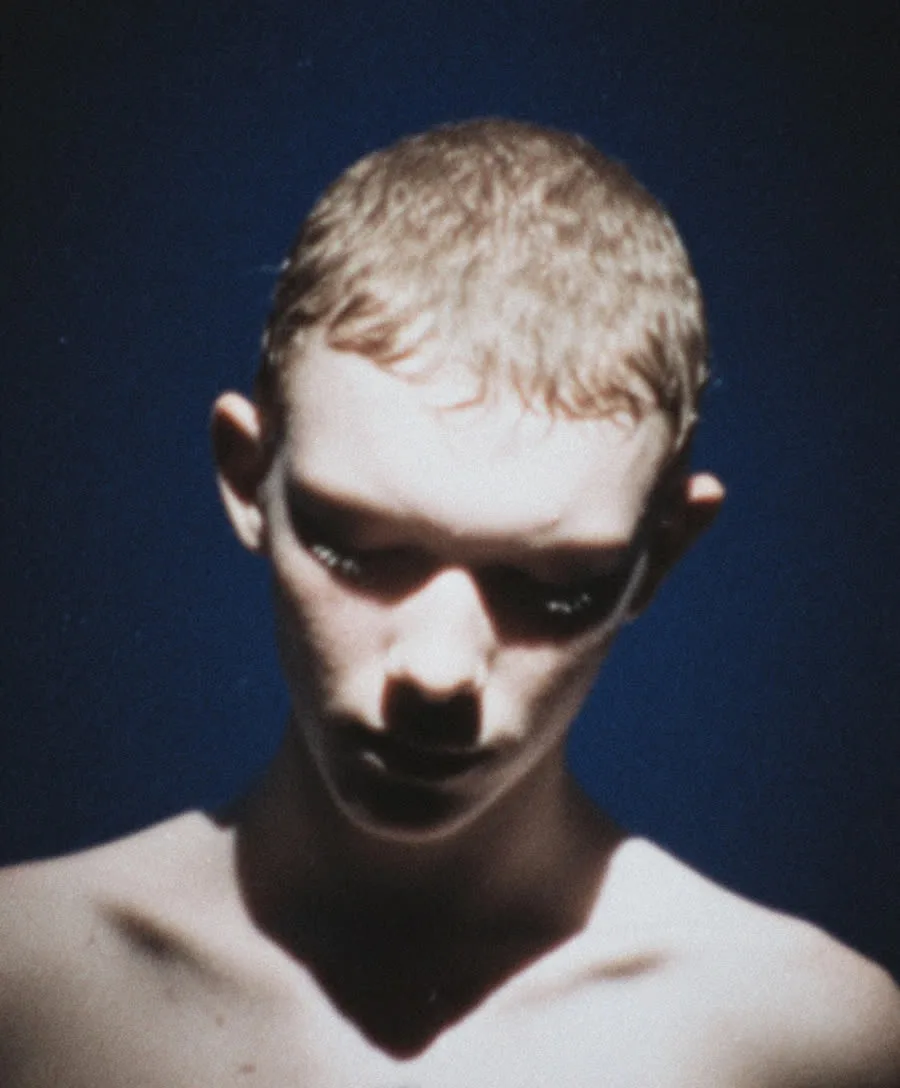
Nano Banana 2.1 on Hermosso
Google's latest fast image model: sharper output, text that actually reads, up to 4K.
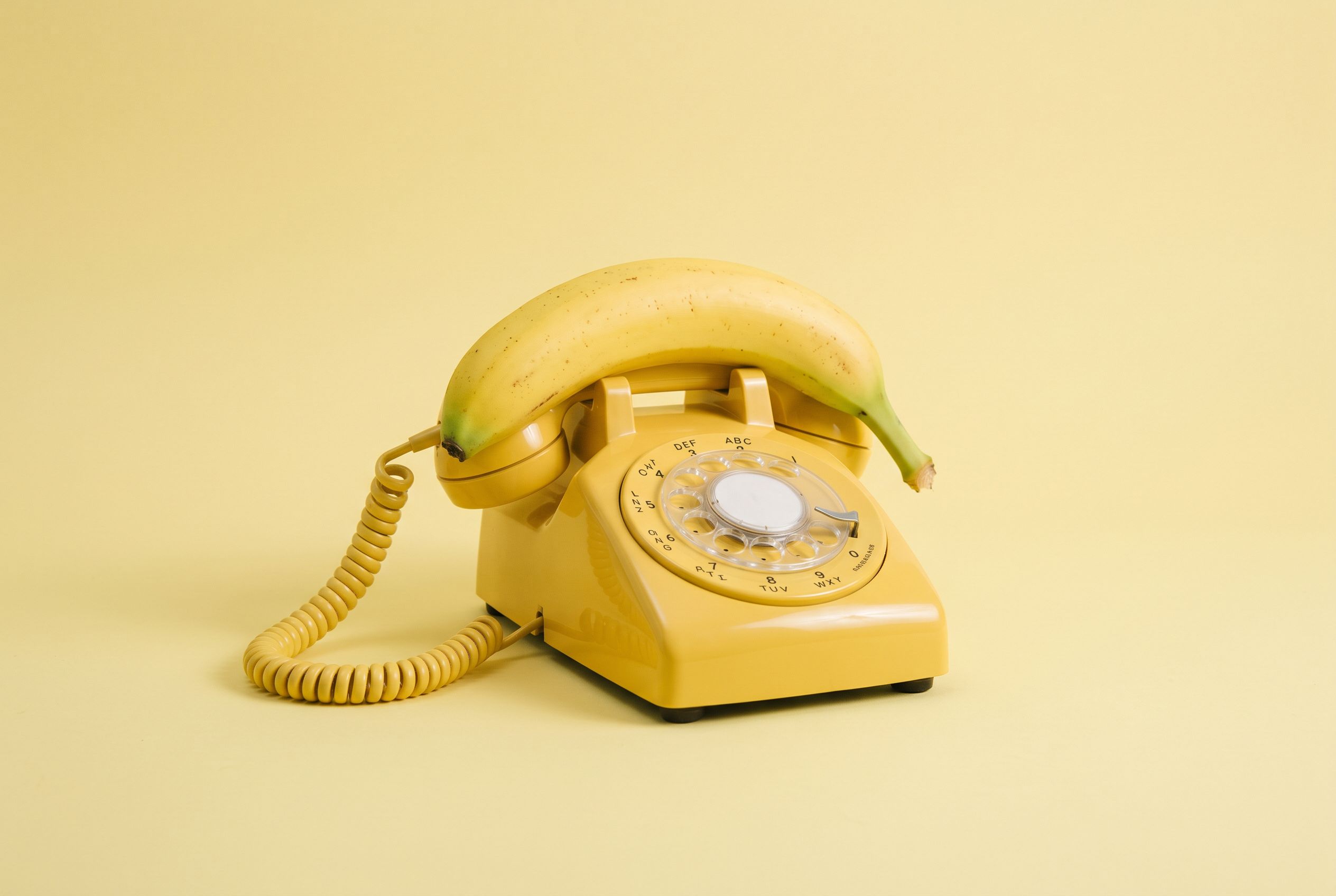
What Nano Banana 2.1 does best
Text that finally reads
Nano Banana 2.1's headline upgrade is typography: signage, posters, labels and infographics come out crisp and legible, in multiple languages. The jobs where most image models still produce garbled lettering are exactly where 2.1 pulls ahead.
Fast family, sharper output
2.1 builds on Nano Banana 2 with sharper detail and real-time grounding options, while keeping the speed and cost of the Flash family. Same engine shape you know — better pixels.
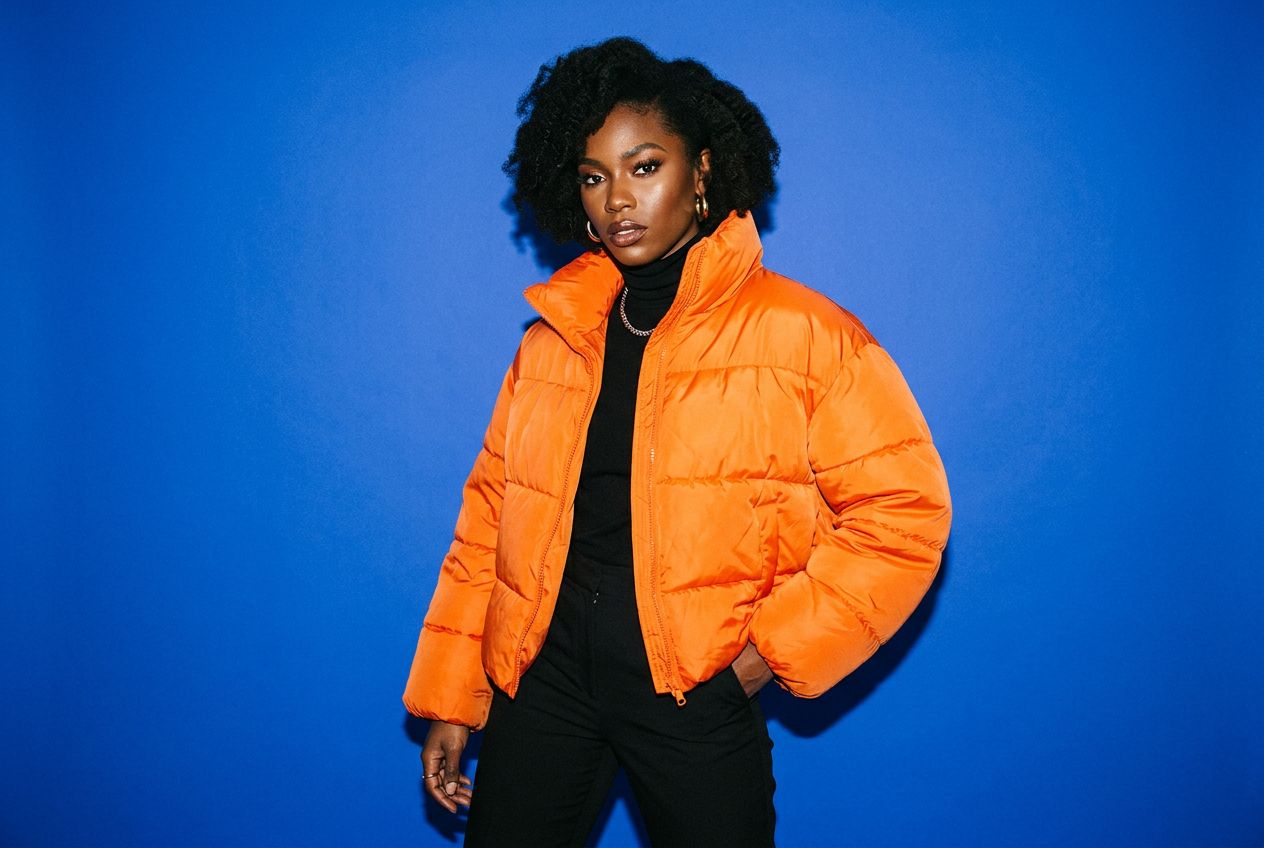
Edits and fusion at 4K
Attach up to 14 reference images and describe the change — compositions, outfit swaps, background rebuilds — with output at true 1K, 2K or 4K. Multi-resolution output, not an upscale.
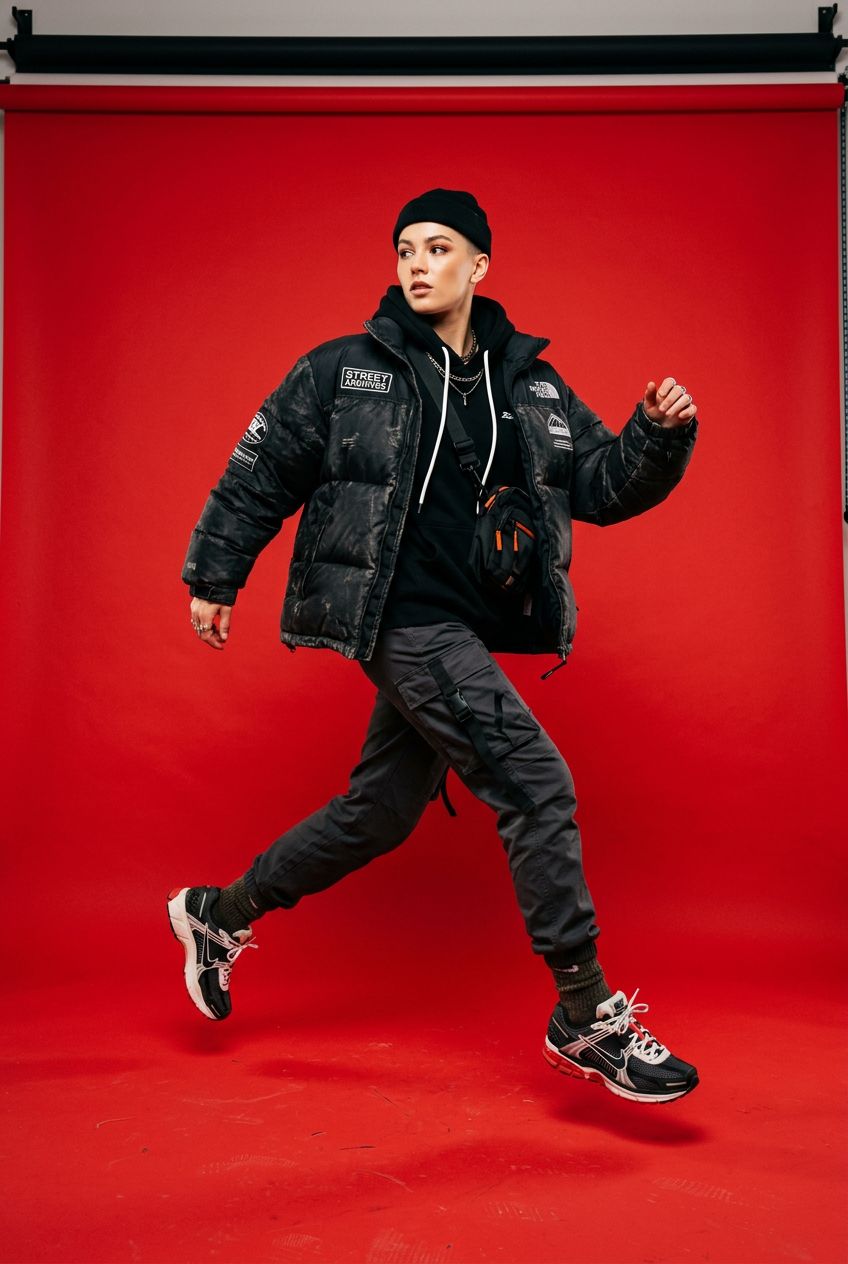
Priced by resolution
100 credits at 1K, 150 at 2K, 200 at 4K — same as Nano Banana 2, so the upgrade costs you nothing. Pay only for the fidelity the job needs.

Made for the work you ship
Posters, covers and graphics with text
The text-rendering upgrade makes 2.1 the pick for anything with words in the frame — posters, magazine covers, packaging mockups, infographics.
Print and high-res assets
The 4K tier answers print assets and detailed scenes with true multi-resolution output.
Edits that keep the person
Reference-guided edits keep a real person's likeness while you change everything around them — the strength the whole suite is built on.
Specs at a glance
- Up to 4K output
- Up to 14 reference images
- Best-in-class text rendering
- 100–200 credits / image
How to use it
- Open Hermosso's Create studio — Nano Banana 2.1 is one of the 20 models behind the prompt box.
- Write your prompt, or attach reference photos and describe the change you want.
- Pick Nano Banana 2.1 and a resolution (1K/2K/4K) and generate — 100–200 credits per image. New accounts get 400 free credits.
Frequently asked questions
What is Nano Banana 2.1?
Nano Banana 2.1 is Google's latest fast image model — the successor to Nano Banana 2 in the Gemini image family. It keeps the same speed and cost class while adding sharper output, noticeably better text rendering, and optional real-time grounding. It supports up to 14 reference images and output up to 4K.
Nano Banana 2.1 vs Nano Banana 2 — what changed?
Sharper output and much cleaner text in images are the headline upgrades, with real-time grounding options on top. The workflow is identical — same reference-image editing, same resolutions, same price — so there is no reason not to default to 2.1.
How do I use Nano Banana 2.1 on Hermosso?
Open the Create studio, write a prompt or attach reference photos, and pick Nano Banana 2.1 — 100 credits at 1K, 150 at 2K, 200 at 4K. New accounts get 400 free credits.
Is Nano Banana 2.1 good for images with text?
Yes — that is its signature strength. Posters, signage, labels and infographics come out with crisp, legible type in multiple languages, where most image models still produce garbled lettering.
How much does Nano Banana 2.1 cost?
100–200 credits per image depending on resolution (1K/2K/4K) — the same as Nano Banana 2. New accounts get 400 free credits, plans start at $9/month for 5,000 credits, and credits never expire.
Try Nano Banana 2.1 on Hermosso
One credit balance across every model in the studio. New accounts get 400 free credits — and credits never expire.
Try Nano Banana 2.1