AI Photos for LinkedIn Creators & Personal Brands
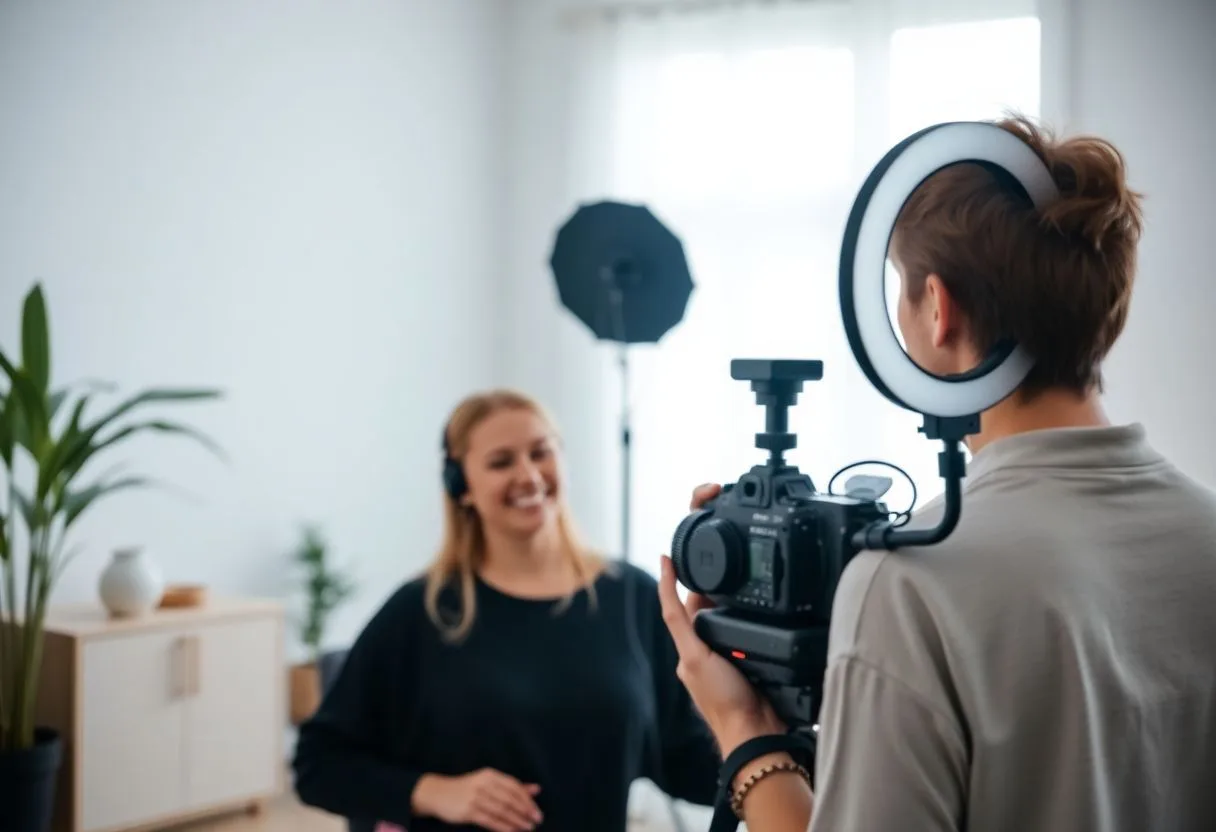
LinkedIn has quietly become a creator platform, and the creators winning there share one visual habit: posts with their face in them. Text-only posts fade; a post with a real photo of the author consistently pulls more reach, more comments and more follows. The profile photo does the same work at the account level — profiles with professional headshots get dramatically more views and connection accepts.
But feeding that machine is a real problem. A creator posting three times a week needs a steady stream of fresh, varied photos of themselves — not the same three headshots rotated until the audience memorizes them. Photoshoots can't keep pace with a content calendar, and phone selfies read as low-effort next to polished competitors. That's the gap: creator-volume photo needs, professional-volume quality.
The recommended setup
Start with the pack built for your world — one trained model, 50 credits per photo:
-

LinkedIn Headshots
The profile-photo pack — corporate-appropriate, sharp, trustworthy.
-

Business Casual
The everyday-creator register for post photos: polished, not stiff.
-
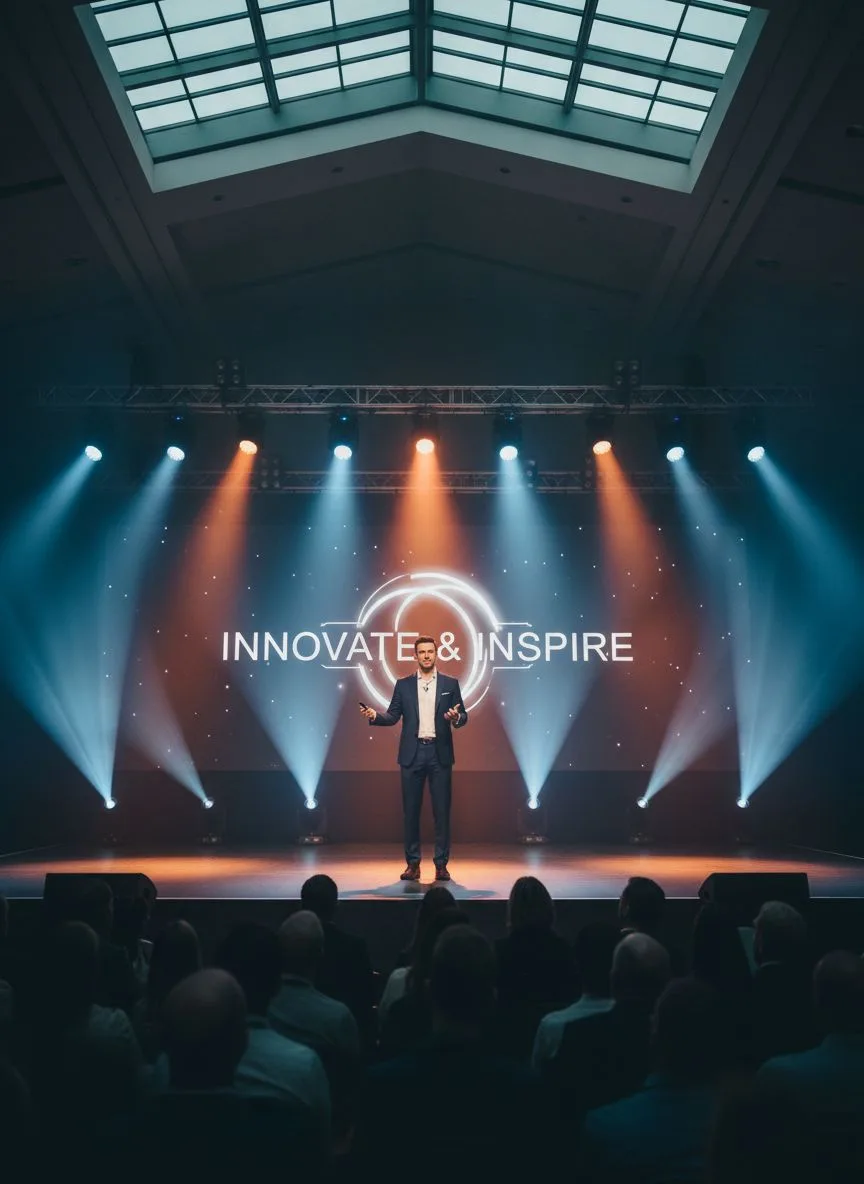
Speaker & Conference
Stage and conference frames — authority content for your niche.
Then finish with the tools:
- Background Remover — Drop your portrait into branded post templates and carousels.
- Photo to Video — Animate a portrait into a short clip — video posts punch above their weight.
- 22K Upscaler — Print-sharp files for banners, event graphics and media kits.
What it costs vs the traditional route
A personal-brand photographer charges $300–800 per session for a batch that a posting schedule burns through in weeks. Hermosso turns it into a system: train your model once (2,000 credits), then generate fresh photos whenever the calendar needs them at 50 credits each. The Starter plan is $9/month for 5,000 credits, credits never expire, and 400 free credits on signup cover your first test batch.
Try it on your own photos
Upload a few selfies, and Hermosso trains a private AI model of you — then generates studio-quality photos in any style. Your first credits are free.
Create your AI photos →Frequently asked questions
Do photos of yourself actually matter on LinkedIn?
Yes — posts with the author's real photo consistently outperform text-only posts, and profiles with professional headshots get far more views and connection accepts. The algorithm and the audience both reward a visible, consistent face.
How often should LinkedIn creators post photos of themselves?
As often as the content calendar demands — for active creators that's weekly or more. Train one Hermosso model and generate fresh settings and outfits per batch, so the audience sees variety instead of the same headshot for the fortieth time.
What should a LinkedIn profile photo look like?
Face filling most of the frame, clean backdrop, dressed one level above your industry's everyday, current within a year or two. The LinkedIn Headshots pack is tuned to exactly that register — generate a handful and pick the sharpest.
Can I use AI photos for LinkedIn banners and carousels?
Yes — generate the portrait, remove the background, and drop it into your branded templates; upscale for the banner's wide format. One model feeds the profile photo, the banner, and every post graphic.