AI Headshots for Dentists
Dentistry has a specific photo problem: a large share of patients arrive anxious, and the practice website is where they decide whether this is somewhere safe. The dentist's photo does real work in that decision — warm enough to reduce fear, professional enough to justify trust — yet most practice sites show a blurry crop from a conference, a ten-year-old graduation-style portrait, or a staff page where every associate was photographed in a different decade by a different camera.
There is no slot for the traditional fix. A studio session means cancelling patients, and coordinating a photo day across dentists, hygienists and associates is the kind of admin that dies in a group chat. Meanwhile the Google Business profile and every insurer directory quietly keep the oldest photo alive.
The recommended setup
Start with the pack built for your world — one trained model, 50 credits per photo:
-

Doctor / Healthcare
Clinical whites and clean clinical settings — credible without being cold.
-
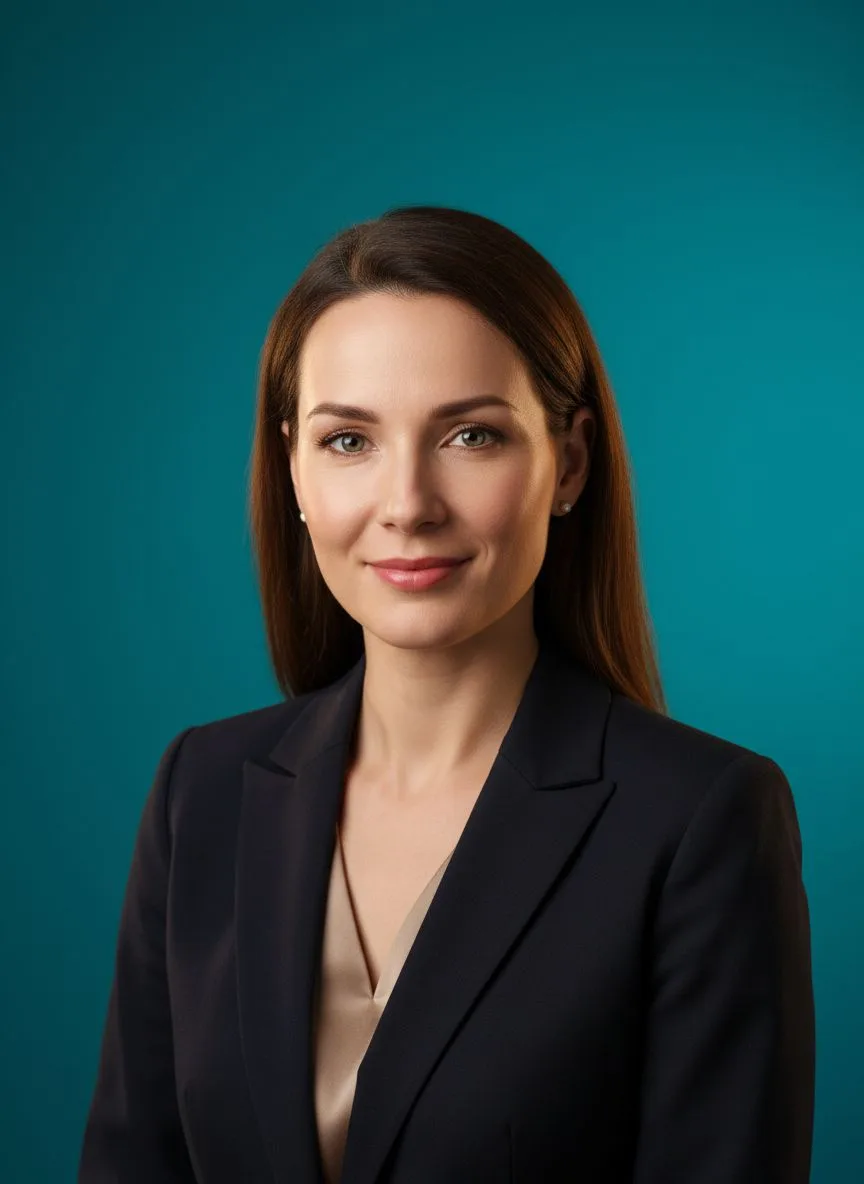
Studio Headshot Pro
Neutral studio portraits — the standard for a whole-practice page.
-

Business Casual
A softer register for cosmetic and family practices.
Then finish with the tools:
- Background Remover — Every clinician on the same practice-brand backdrop, associates included.
- 22K Upscaler — Sharp files for reception displays and printed welcome packs.
- Relight — Warm, bright light — the single biggest anxiety-reducer in a practice photo.
What it costs vs the traditional route
A practice photo day runs into four figures once you count the photographer and the cancelled appointment slots — and it is out of date the moment an associate joins. On Hermosso each clinician uploads their own selfies, trains a model once (2,000 credits) and generates from the same pack at 50 credits per photo. Starter is $9/month for 5,000 credits, new accounts get 400 free, and credits never expire.
Try it on your own photos
Upload a few selfies, and Hermosso trains a private AI model of you — then generates studio-quality photos in any style. Your first credits are free.
Create your AI photos →Frequently asked questions
What photo should a dentist use on the practice website?
Warmth first, credentials second: bright natural-looking light, a genuine smile, a clean backdrop — white coat if that is how patients meet you, business casual for cosmetic practices. Anxious patients choose on whether the face looks kind and competent.
How do dentists get professional photos without closing the practice?
Each clinician uploads 10–20 selfies to Hermosso whenever suits them; a private model trains in about two minutes, and portraits generate at 50 credits each. Nobody cancels a patient, and the whole team page can refresh in an afternoon.
Can associates and hygienists match the practice's photo style?
Yes — everyone generates from the same pack, so backdrop and lighting are identical across the team. When a new associate joins, their photo matches the site on day one instead of waiting for the next photo day.
Do the same photos work for insurance directories and Google?
Yes — export a clean headshot and upload it everywhere the practice is listed; directory photos that match the website reinforce recognition. Run the upscaler first, since directories recompress heavily.