AI Photos for Airbnb Hosts — Listings That Book Themselves
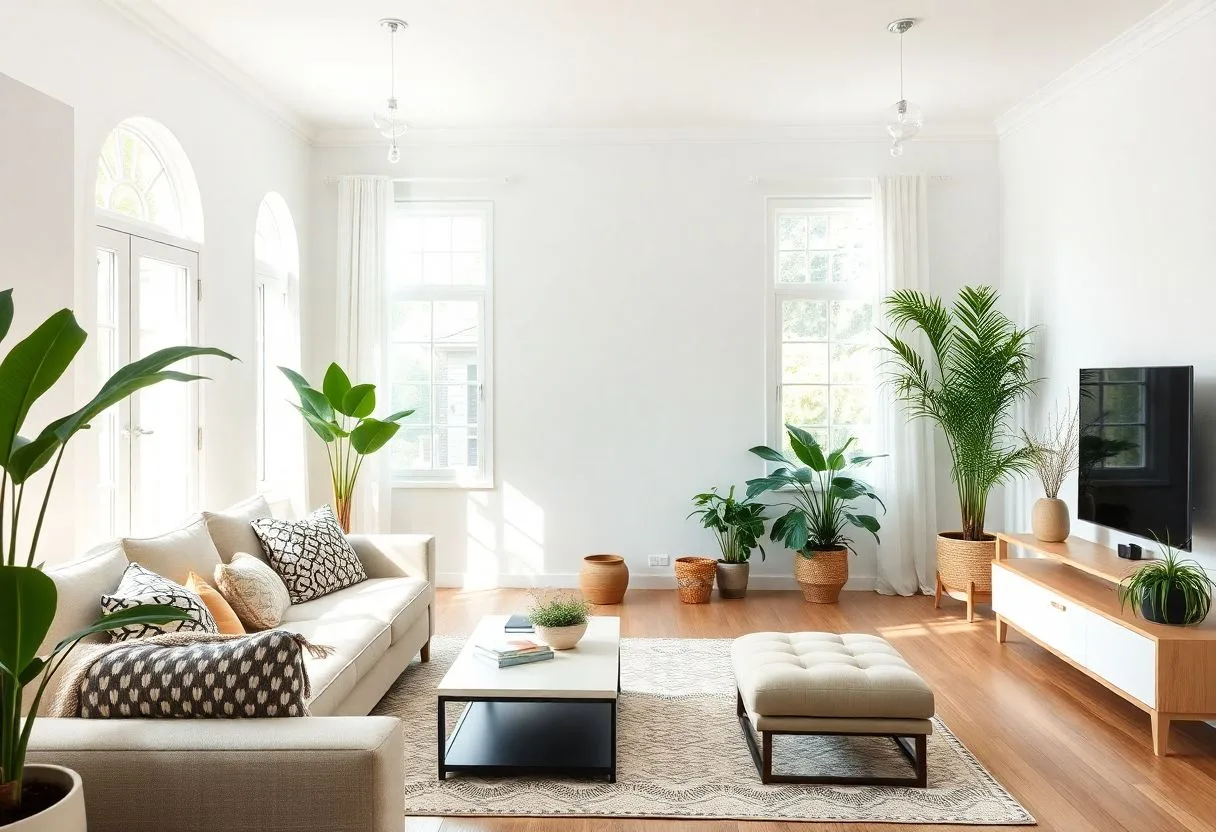
An Airbnb listing is a photo gallery with a calendar attached. Guests scroll a grid of near-identical titles and prices, and the cover photo decides who clicks; Airbnb's own host guidance says listings with high-quality photography earn more and book more often. The first five photos do most of the selling — brightness, space, light, and a sense of what staying there feels like.
Most hosts shoot their own listings, and it shows: dark rooms, tilted verticals, the bed unstyled, the bathroom lit like a clinic. Professional vacation-rental photography runs $150–400 per property and is worth it — but it happens once, while the listing needs seasonal refreshes, the new sofa photographed, the garden in summer. And there's a second photo hosts forget: their own profile picture, which guests genuinely check before handing over their holiday.
The recommended setup
Start with the pack built for your world — one trained model, 50 credits per photo:
-

Business Casual
A warm, trustworthy host profile photo — guests book from people they trust.
-
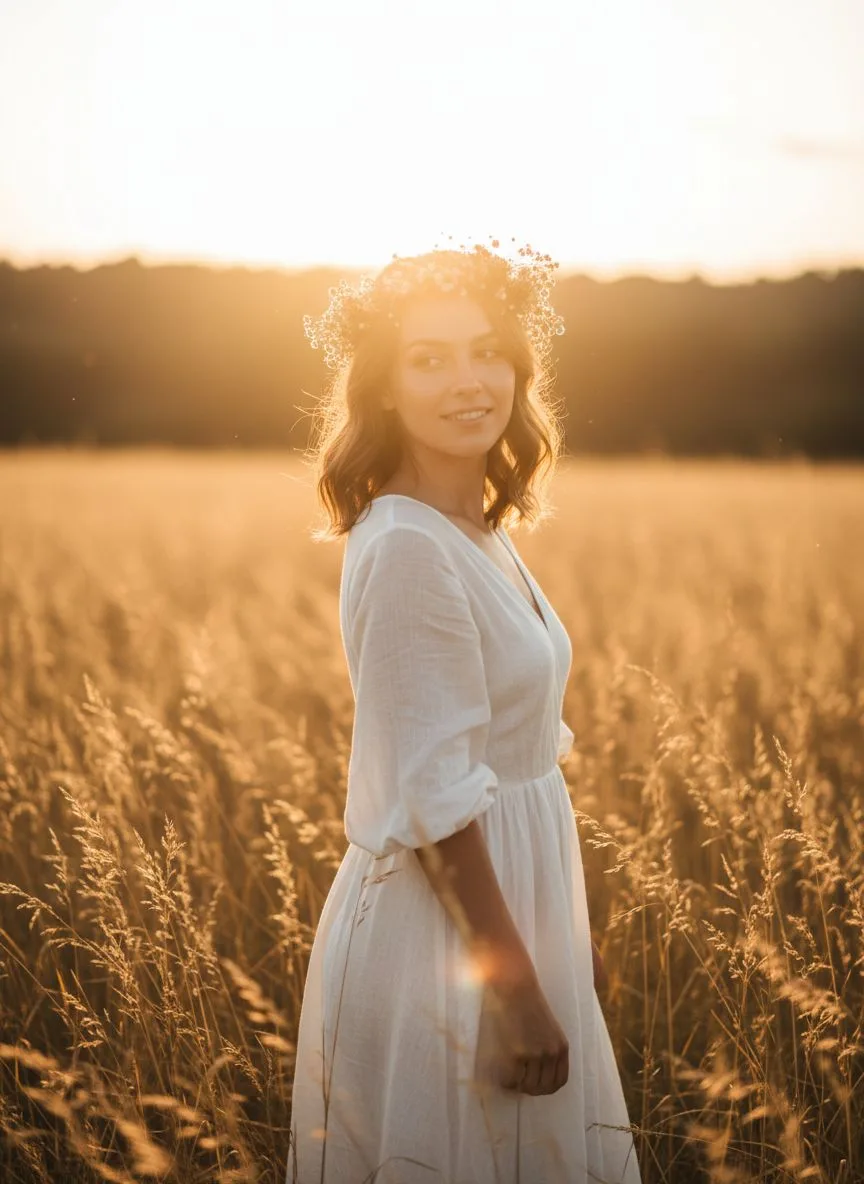
Golden Hour
Golden-hour exteriors and terrace shots — the cover-photo look that wins the click.
Then finish with the tools:
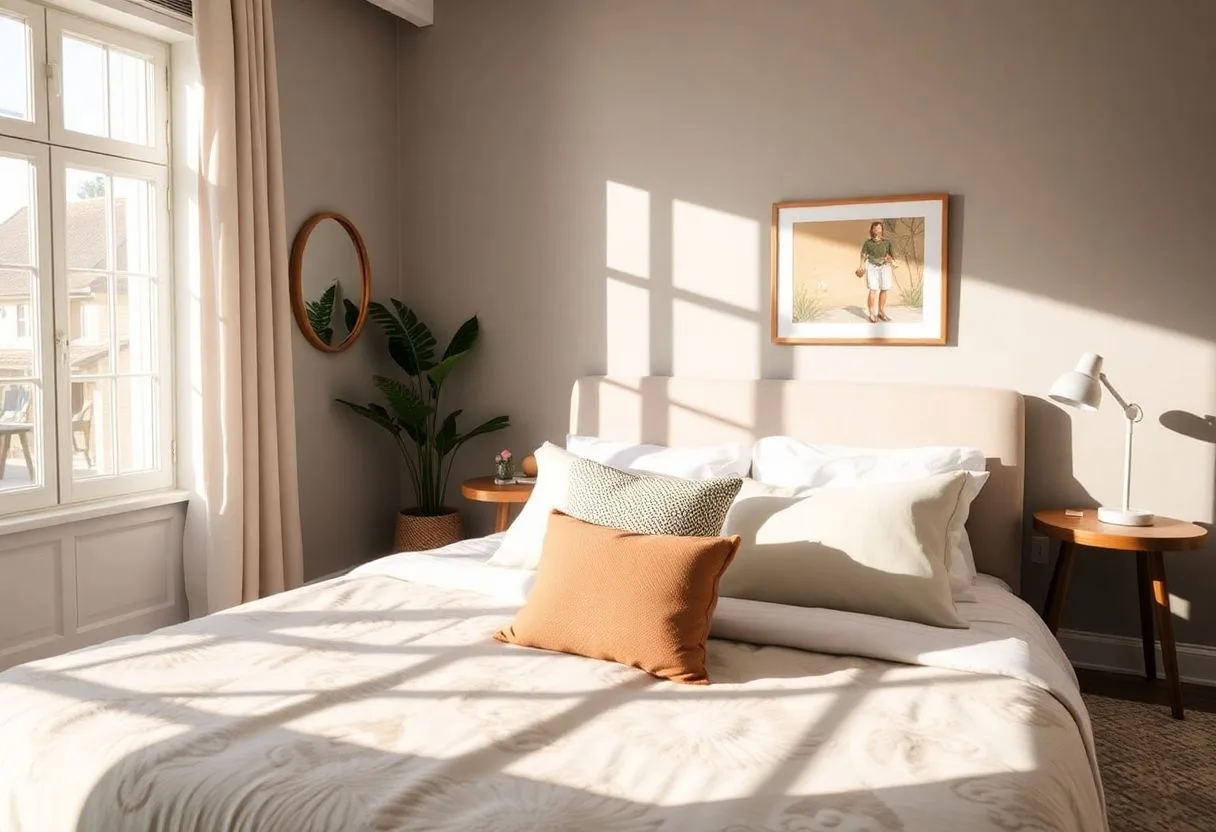
- Relight — Turn dim, mixed-light interiors into bright, inviting rooms.
- Image Extender — Widen tight room shots — small spaces photograph bigger.
- 22K Upscaler — Crisp files that survive Airbnb's display sizes and zoom.
What it costs vs the traditional route
A professional shoot costs $150–400 per property, per visit — and listings drift out of date the moment you restyle a room. Hermosso turns listing maintenance into a host task: reshoot with your phone, then relight, widen and sharpen each frame for credits. The Starter plan is $9/month for 5,000 credits — for a multi-property host, one plan covers every listing. New accounts get 400 free credits.
Try it on your own photos
Upload a few selfies, and Hermosso trains a private AI model of you — then generates studio-quality photos in any style. Your first credits are free.
Create your AI photos →Frequently asked questions
Do better photos actually increase Airbnb bookings?
Yes — Airbnb's own host guidance links high-quality photography to higher earnings and occupancy, because the cover photo controls the click and the first five photos control the booking decision. Bright, wide, well-lit shots are the highest-ROI upgrade a listing can get.
Can I improve my existing Airbnb photos with AI?
Yes — that's the core workflow. Take your current shots, run Relight to fix dim or mixed lighting, extend tight frames so rooms read larger, and upscale for sharpness. The improvement over raw phone photos is immediate and costs credits, not a reshoot.
What should my Airbnb host profile photo look like?
Friendly, current and clearly you — guests are choosing a person as much as a property. Generate a warm Business Casual portrait from your selfies; it reads as approachable and professional, which is exactly the register that builds booking trust.
How often should I update listing photos?
Whenever the space changes and at least seasonally — fresh photos also signal an active, cared-for listing. With an AI workflow, a seasonal refresh is an afternoon with your phone plus a few credits, not a $150–400 photographer visit.