AI Headshots for Accountants & CPAs
Accounting is a trust business wearing a conservative dress code. Clients hand over their financial lives to a person they usually choose from a firm website or a referral followed by a LinkedIn check — and the photo does the reassuring before the first meeting. Yet most firm sites show a patchwork: the partners photographed properly in 2019, everyone hired since in whatever they had on their phone.
The traditional fix fails on timing. Busy season kills any thought of a photo day for a third of the year, and coordinating one across partners, managers and associates is the kind of admin that never survives a group chat. Meanwhile the directories — CPA finders, LinkedIn, the local chamber listing — quietly keep the oldest photo alive.
The recommended setup
Start with the pack built for your world — one trained model, 50 credits per photo:
-

LinkedIn Headshots
The conservative, credible register clients expect from their accountant.
-
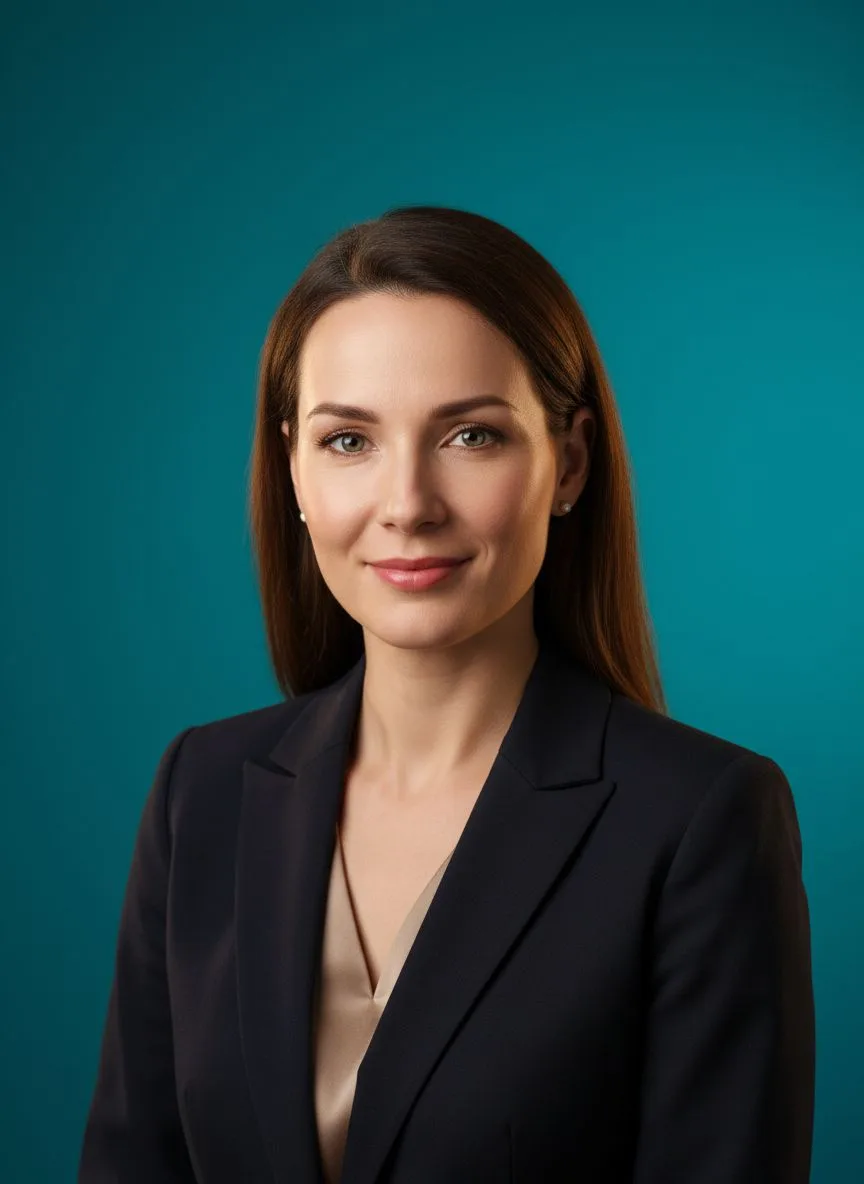
Studio Headshot Pro
Neutral studio portraits — the standard for a whole-firm team page.
-

Business Casual
A softer register for advisory, startup and small-business practices.
Then finish with the tools:
- Background Remover — Every person in the firm on the same backdrop, across offices and start dates.
- Relight — Warm but conservative light — approachable without losing gravitas.
- 22K Upscaler — Sharp files for printed brochures, pitch decks and event banners.

What it costs vs the traditional route
A firm photo day runs into four figures once you count the photographer and the billable hours everyone lost — and it is out of date the moment a manager is promoted or hired. On Hermosso each person uploads their own selfies, trains a model once (2,000 credits) and generates from the same pack at 50 credits per photo. Starter is $9/month for 5,000 credits, new accounts get 400 free, and credits never expire — so the next hire's matching photo costs minutes, not a new shoot.
Try it on your own photos
Upload a few selfies, and Hermosso trains a private AI model of you — then generates studio-quality photos in any style. Your first credits are free.
Create your AI photos →Frequently asked questions
What photo should an accountant use on LinkedIn?
Conservative and current: a suit or smart business register, neutral backdrop, an expression that reads as calm and competent. Clients choosing between three referrals pick the one who looks like they will still be answering email in April.
How does an accounting firm get matching team photos?
Each person uploads 10–20 selfies and generates from the same pack — LinkedIn Headshots or Studio Headshot Pro — so backdrop and lighting match across the whole firm. New hires match the set on day one, in any office.
Can we refresh photos without disrupting busy season?
Yes — there is nothing to schedule. People upload their selfies whenever suits them, the model trains in about two minutes, and portraits generate in minutes. January through April changes nothing about the process.
Do AI headshots look credible enough for a professional firm?
They are realistic, current images of you generated from your own photos — the same standard any firm photo is held to. Generate a few options and choose the frame you would be happy to see beside your name in a proposal.