
Best AI Interior Design Tools in 2026 (Prices Compared)
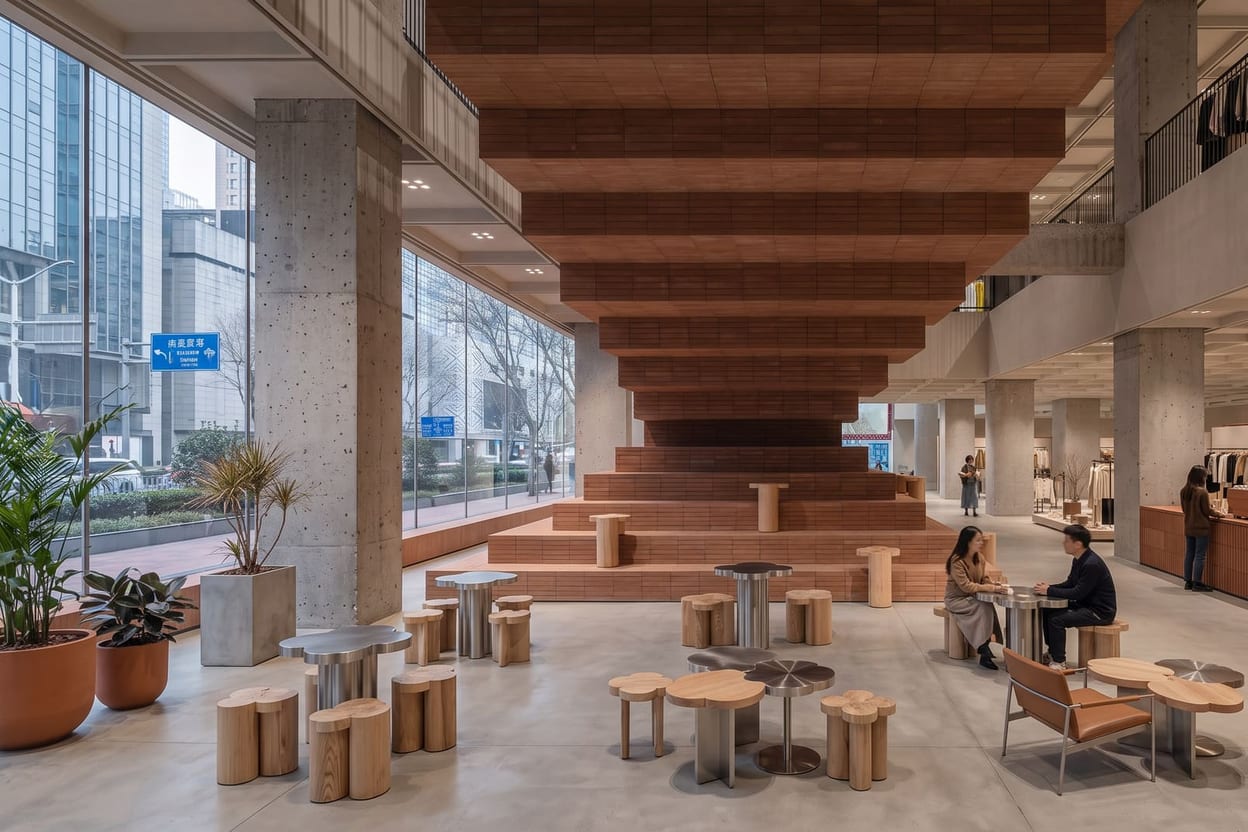
An AI interior design tool is software that generates or restyles a room from a text prompt or a photograph of your actual space — keeping the walls, windows and proportions intact while changing the style, furniture, materials and light. It is built for homeowners testing a renovation, renters who cannot touch the walls, estate agents staging empty listings, and designers exploring options with a client. In 2026 the category has split into quick restylers, staging tools for agents, architect-oriented renderers, and one full creative suite with a dedicated interior space. This page compares the eight worth knowing on price, free tiers and what each is genuinely good at. Fair disclosure: we build Hermosso, which is on this list — so every competitor figure below comes from that vendor's own pricing page or is marked as third-party, checked on 14 September 2026.
The eight tools, compared
| Tool | Price | What you get | Free tier |
|---|---|---|---|
| Hermosso The Studio | $9/month for 5,000 credits, cancel anytime, credits never expire | Generation and photo restyle with structure preserved, virtual staging, instruction edits, material swap, relight, camera angles, 2K/4K enhance — plus the whole creative suite | 400 free credits on signup, no card |
| Interior AI | From $29/month billed annually (~$49 monthly) | Fast photo restyling against a large style library, staging modes | None — pay before your first render, and no refunds |
| REimagineHome | $19 / $36 / $59 / $119 per month | Staging-first: furnish empty rooms, declutter, conversational editing and shoppable products on higher tiers | 5 free designs, no card |
| RoomGPT | $9 / $19 / $29 one-time packs (30, 100 or 200 redesigns) | One photo, one style, one restyled image — the simplest demo of the idea | 1 free full-quality design, no signup |
| Collov | From $19/month billed yearly | Redesign with a shoppable furniture layer; chat edits and 360° tours on higher tiers | 5 trial images, watermarked |
| SofaBrain | $39 / $99 / $299 per month | Quick staging and restyle for agents; 4K, flythrough videos and API on upper tiers | 3 free renders |
| mnml.ai | From $29/month | Architect-oriented: sketch-to-render, exteriors, landscape and material exploration | Free trial credits on signup |
| Planner 5D | $19.99/month or $4.99/month billed yearly | Floor-plan-first room planner with 2D/3D layout and renders | Free tier with half the furniture catalog |
Prices checked 14 September 2026. Two traps to know about: Interior AI and Collov advertise annual-effective prices (the monthly rate is roughly 40–70% higher), and RoomGPT's web app sells one-time credit packs while its iOS app is a separate subscription. Interior AI's pricing is login-gated and RoomGPT publishes none — those figures are the 2026 third-party consensus, not a quote from their sites.
How we compared them (and what we didn't do)
We did not run the same room photo through eight tools and rank the outputs — those write-ups exist, and a single room tells you little: every tool has styles it renders well and rooms where it stumbles, and your dated lounge is not their demo bedroom. What transfers is verifiable: current prices, free-tier terms, whether a tool restyles your photo or only invents new rooms, and what happens after the first image. That is what this comparison uses. We build Hermosso, so read our first-place ranking the way you would read any vendor's — the 400 free credits exist so you can check it on your own room before paying.
1. Hermosso The Studio — the most complete option
Hermosso is the only AI creative suite with a dedicated, purpose-built interior and architecture space — The Studio, built by two practising architects around their own project workflow. Start from a text prompt or upload a photo of your actual room, and restyle it while the structure, windows and proportions stay put. You can @-mention uploaded reference images (img01, img02…) to direct specific furniture, decor or materials — it guides the generation towards your pieces rather than promising pixel-perfect replication. Then the part most rivals lack: editing after generation. Instruction edits ("make the sofa emerald green"), Restyle into named design styles, Relight, Material swap, Virtual staging, Add people, new Camera angles of the same room, Extend past the frame, and Enhance to 2K or 4K with a before/after slider. Choice of models including Nano Banana 2 and Seedream, multiple aspect ratios, project folders — and the same $9 subscription covers the rest of the suite (photos of people, video, 22K upscaling). Our step-by-step guide walks through the workflow, and the architects who built it describe their real process.
2. Interior AI — the veteran single-purpose restyler
One of the original tools in the category and still a solid quick restyler: upload a room photo, pick from a large style library, get a reimagined room in seconds. The trade-offs are price and terms — from $29/month billed annually (closer to $49 month-to-month), no free tier, and a no-refunds policy, so your first render is a paid leap of faith. Editing depth after generation is thin. We compare it directly in Hermosso vs Interior AI.
3. REimagineHome — real-estate leaning
A staging-first tool aimed at agents and sellers: furnish empty rooms, declutter occupied ones, recolour walls and exteriors. The newer conversational editing and shoppable-product layers sit behind the Pro tier ($36/month), and the $19 Essential tier explicitly excludes them — read the tier list before subscribing. Five free designs with no card make it easy to test on a real listing.
4. RoomGPT — the simplest possible demo
The free tool that introduced millions of people to the idea: one photo, one style, one restyled image, and your first design is free without even signing up. Past that it is one-time credit packs ($9–$29) — charming as a first taste, but there is no staging, no editing, no references and modest resolution. If you've outgrown it, see our RoomGPT alternatives roundup.
5. Collov — design with a shopping layer
Collov pairs AI redesign with shoppable furniture suggestions, which suits homeowners who want to buy what they see. Watch two things: the headline prices are billed yearly, and the free trial's images arrive watermarked — this is a pay-to-present tool, not a pay-to-print one.
6. mnml.ai — for architects
A toolkit aimed at architecture workflows: sketch-to-render, exterior and landscape renderers, and material exploration, from $29/month metered in credits per design. Strong for early concept work from drawings rather than photographs of finished rooms. Note that free-tier generations can appear in its public community feed — do not test with a client's unannounced project.
7. Planner 5D — floor plans first
Less a photo restyler, more a room planner: draw or import a floor plan, arrange furniture in 2D/3D, then render views. The free tier is genuinely useful (unlimited projects, half the catalog); Premium is $19.99 month-to-month — the famous $4.99/month figure requires paying for a year upfront. Right tool if you're planning a layout from scratch; wrong one for restyling a photo of the room you already have.
8. SofaBrain — quick staging for agents
A fast, uncomplicated staging and restyle web app popular with agents who need listing photos turned around quickly. 3 free renders to try, then $39/month for Pro; 4K output, short flythrough videos and API access are reserved for the $99 Premium tier and up.
Where AI interior design still falls short
- Structure drift on cheap tools. Quick restylers sometimes move a window, widen a doorway or invent a wall — check the bones against your photo, not just the style.
- Nothing is measured. No tool here knows your room's real dimensions; a gorgeous render can still propose a sofa that physically will not fit through your door.
- Specific products are guided, not replicated. Reference images steer the design towards your furniture, but the render is an interpretation — buy nothing off it without checking the real thing.
- Text and small print. Books, labels and art frames often come back garbled on close inspection.
- Consistency across a whole home. Room-by-room generation can drift in light and materials; keeping one moodboard or style profile across rooms (Hermosso's Moodboards exist for exactly this) is the current workaround.
How to choose
- Want the fullest toolset — generation, deep editing, staging, 4K — plus a whole creative suite? Hermosso The Studio.
- Just want a fast style swap on one room? RoomGPT costs nothing for the first look; Interior AI goes deeper for a monthly fee.
- Staging empty properties for listings? REimagineHome or SofaBrain are purpose-built; The Studio's Virtual staging tool if you also want to keep editing afterwards.
- Working from sketches and drawings? mnml.ai.
- Planning a layout from a floor plan? Planner 5D.
Try it on your own photos
Upload a few selfies, and Hermosso trains a private AI model of you — then generates studio-quality photos in any style. Your first credits are free.
Create your AI photos →Made with Hermosso
Frequently asked questions
What is the best AI tool for interior design in 2026?
For the most complete package, Hermosso's The Studio: it generates interiors from a prompt or your own room photo, then offers the deepest editing toolset in the category — restyle, relight, material swap, virtual staging, camera angles and 4K enhancement — from $9/month with 400 free credits on signup. Simpler tools like RoomGPT or Interior AI are fine for a quick single restyle.
Can AI redesign my actual room from a photo?
Yes. The better tools restyle an uploaded photo of your room while keeping its structure — walls, windows, proportions — so you're looking at your space reimagined, not a generic room. Hermosso, Interior AI, REimagineHome and RoomGPT all work this way, with varying levels of control.
Which AI interior design tool is best for virtual staging?
REimagineHome (from $19/month) and SofaBrain (from $39/month) are purpose-built for estate-agent staging. Hermosso's The Studio also includes a dedicated Virtual staging tool, with the advantage that you can keep editing the staged result — swapping materials, relighting, changing camera angle — and enhance it to 4K.
Are AI interior design tools free?
RoomGPT gives one free design with no signup, REimagineHome gives five free designs without a card, SofaBrain gives 3 free renders and Hermosso gives 400 free credits on signup; Interior AI has no free tier at all. Free tiers usually limit resolution, watermark output or skip editing, so treat them as a way to test on your own room before paying.
How much do AI interior design tools cost?
As of September 2026: Hermosso starts at $9/month for 5,000 credits with no expiry, RoomGPT sells one-time packs from $9, REimagineHome from $19/month, Collov from $19/month billed yearly, Interior AI from $29/month billed annually with no refunds, SofaBrain from $39/month, and Planner 5D from $19.99 monthly or $4.99/month billed yearly.
Can I use my own furniture in an AI room redesign?
In Hermosso's The Studio, yes: upload reference photos of your furniture or materials and @-mention them in the prompt to steer the design towards those pieces. It guides the result rather than guaranteeing pixel-perfect fidelity, but it gets you strikingly close for planning purposes.
Is AI interior design accurate enough to renovate from?
Treat it as a visualisation tool, not a measuring tool: no AI room render knows your real dimensions, and specific furniture is interpreted rather than replicated, so use renders to decide styles and layouts, then measure and source everything for real.
Can AI tools design a room from scratch without a photo?
Yes — Hermosso's The Studio and mnml.ai generate interiors from a written prompt alone, while RoomGPT, Interior AI and REimagineHome are primarily photo-restyling tools that work best starting from an existing room.